BasicCustomer, pre-job, job, billing, delivery and team workflow

Digitize your operations with real dashboard and partner-app modules. Active pricing and included features load directly from the Zilauto system.
Choose Basic for connected workshop operations. Choose Basic + Inventory when stock, low-stock visibility, suppliers and purchase workflows also need to stay connected with jobs. Exact price and availability continue to come from the live plan cards below.
Exact module availability follows the included and unavailable features shown on each plan card.
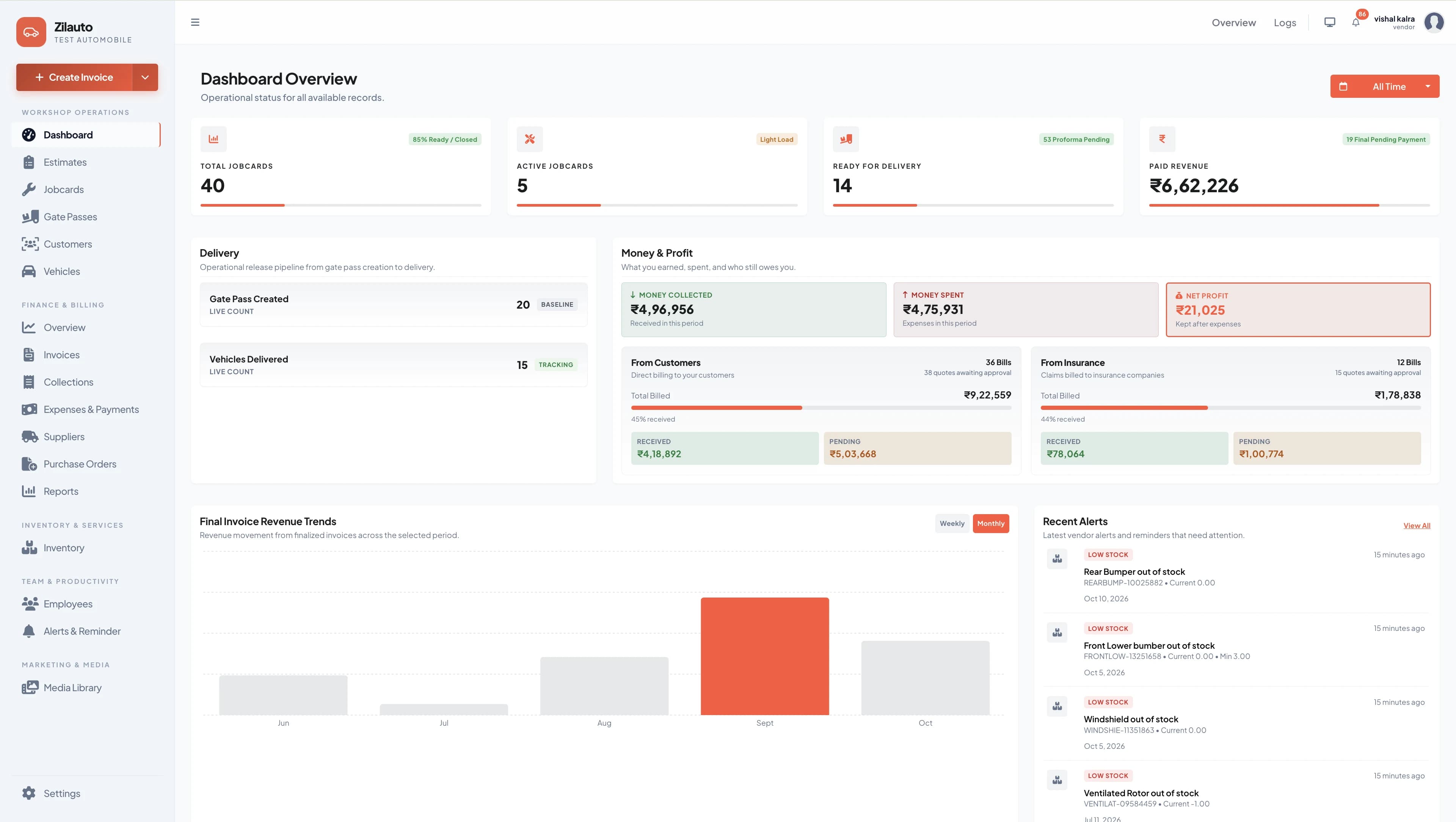
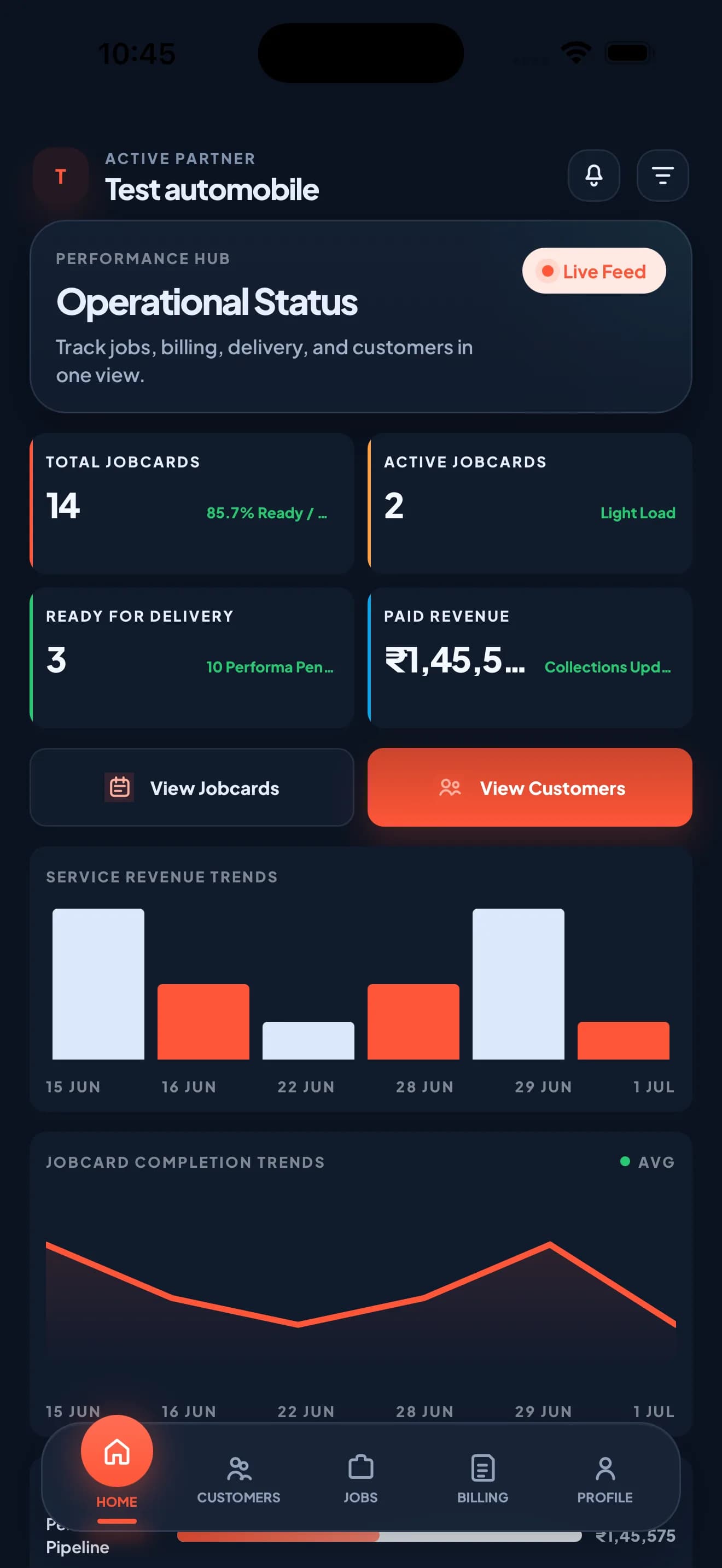
KPIs, jobs, leads, activity and operational overview.
Pre-job card, checklists, photos and recommendations.
Assignment, workflow status, pickup and delivery tracking.
Services, parts, approvals, billing and payment records.
Stock movements, low stock, suppliers and purchase orders.
Roles, attendance, customer hub and service history.
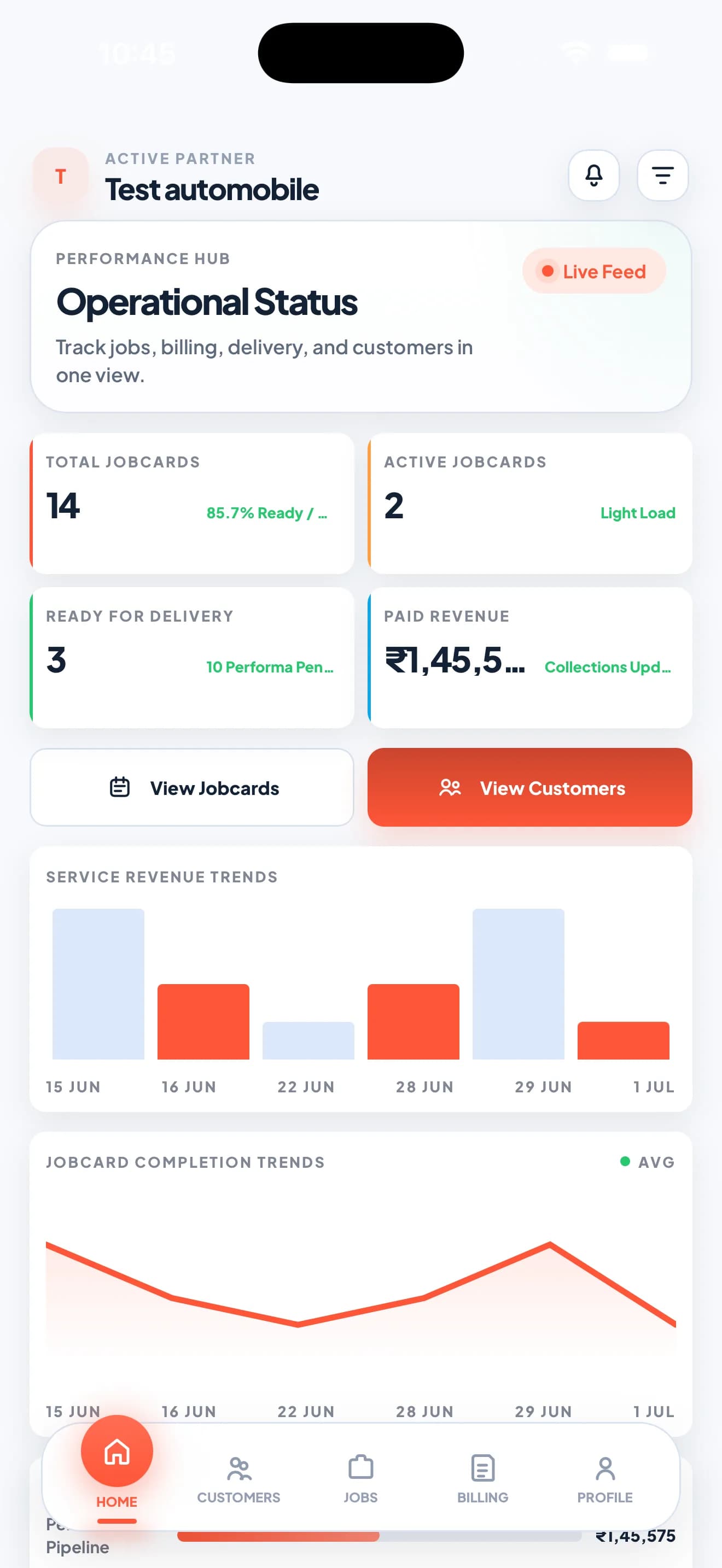
Owner, manager and employee workflows on Android and iOS.
Workshop setup, permissions and guided product assistance.
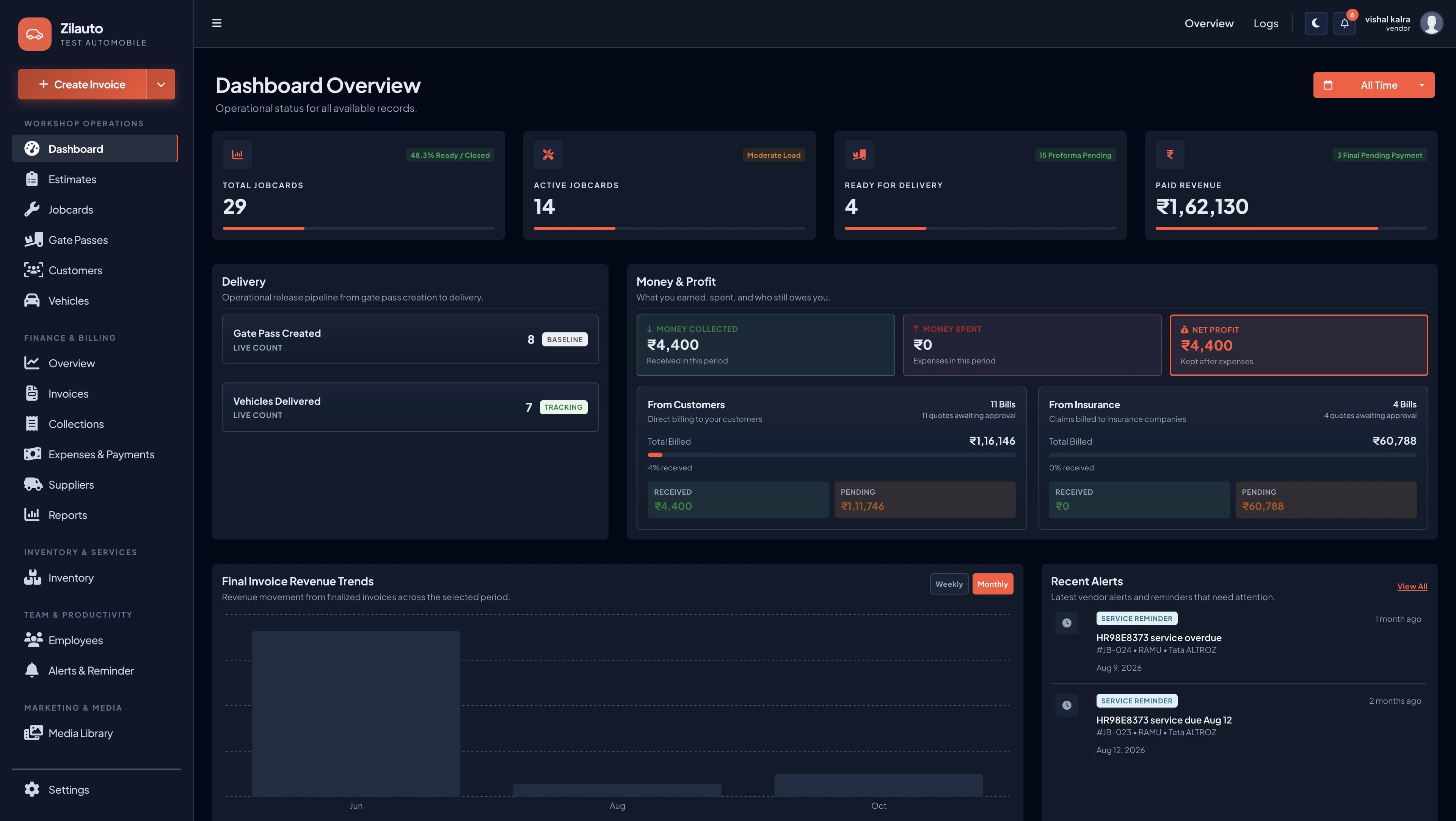
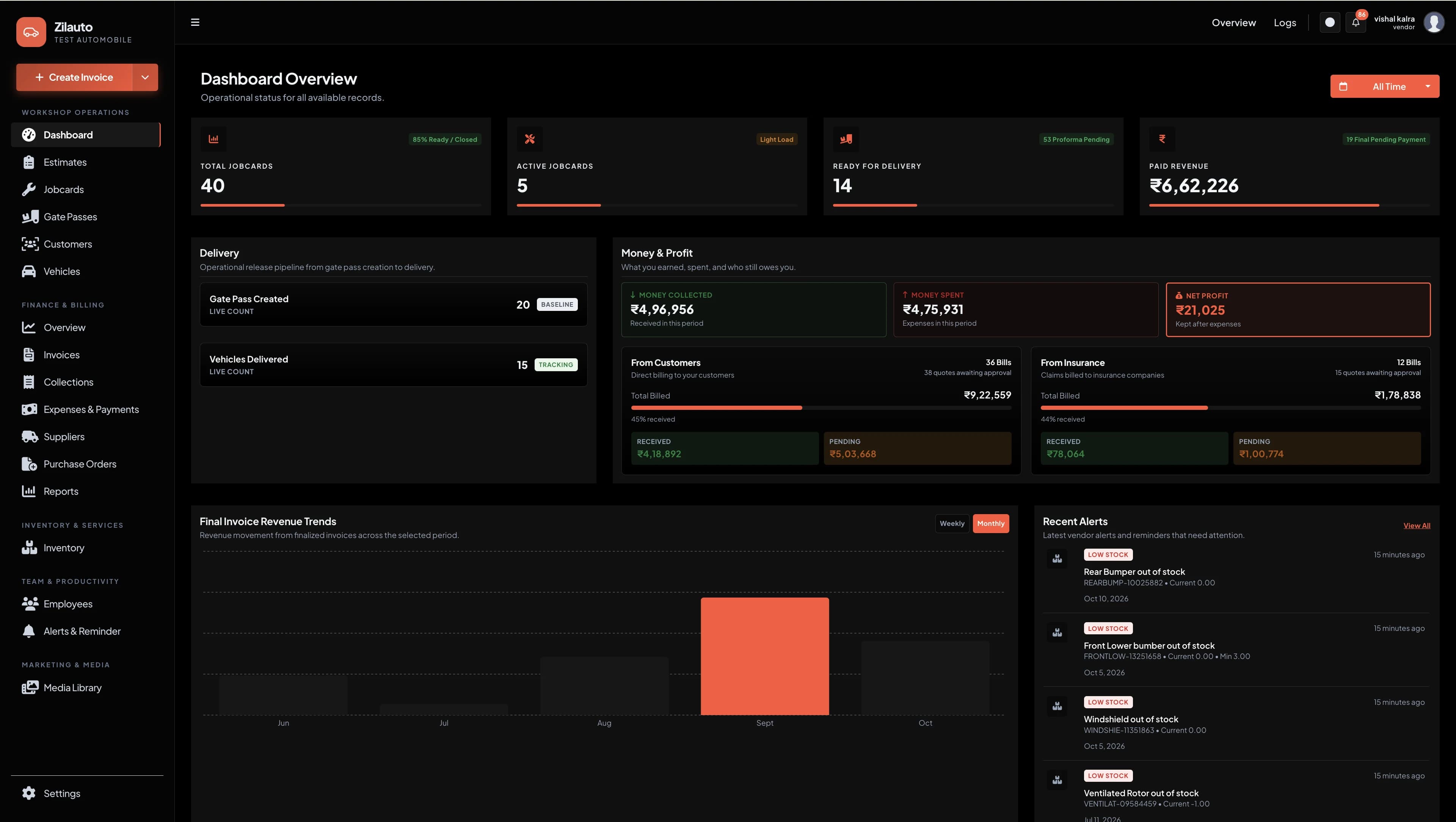
Reserved screenshot sections make the product visible without mixing dashboard and app experiences.
Confirm your business and workshop details.
Configure pricing, employees, roles and permissions.
Map your lead, intake, job, invoice and delivery process.
Activate the dashboard and partner app with your team.
Still unsure? The demo includes a recommendation based on your actual workshop workflow.
Available features are loaded from the selected plan. The card shows exactly which modules are included, and dashboard/app coverage is confirmed during the demo.
We can cover the product demo, plan details and onboarding scope in one clear call.