Customer intakeCustomer, vehicle and estimate context

Understand every Basic + Inventory workflow—dashboard planning se partner app actions tak—with practical, role-based guidance.
Customer intakeProfile, vehicle & estimate
Workshop executionJob assignment & status
Billing & Gate PassInvoice, payment & handover
Inventory controlStock, consumption & alerts
Team operationsRoles, access & activity
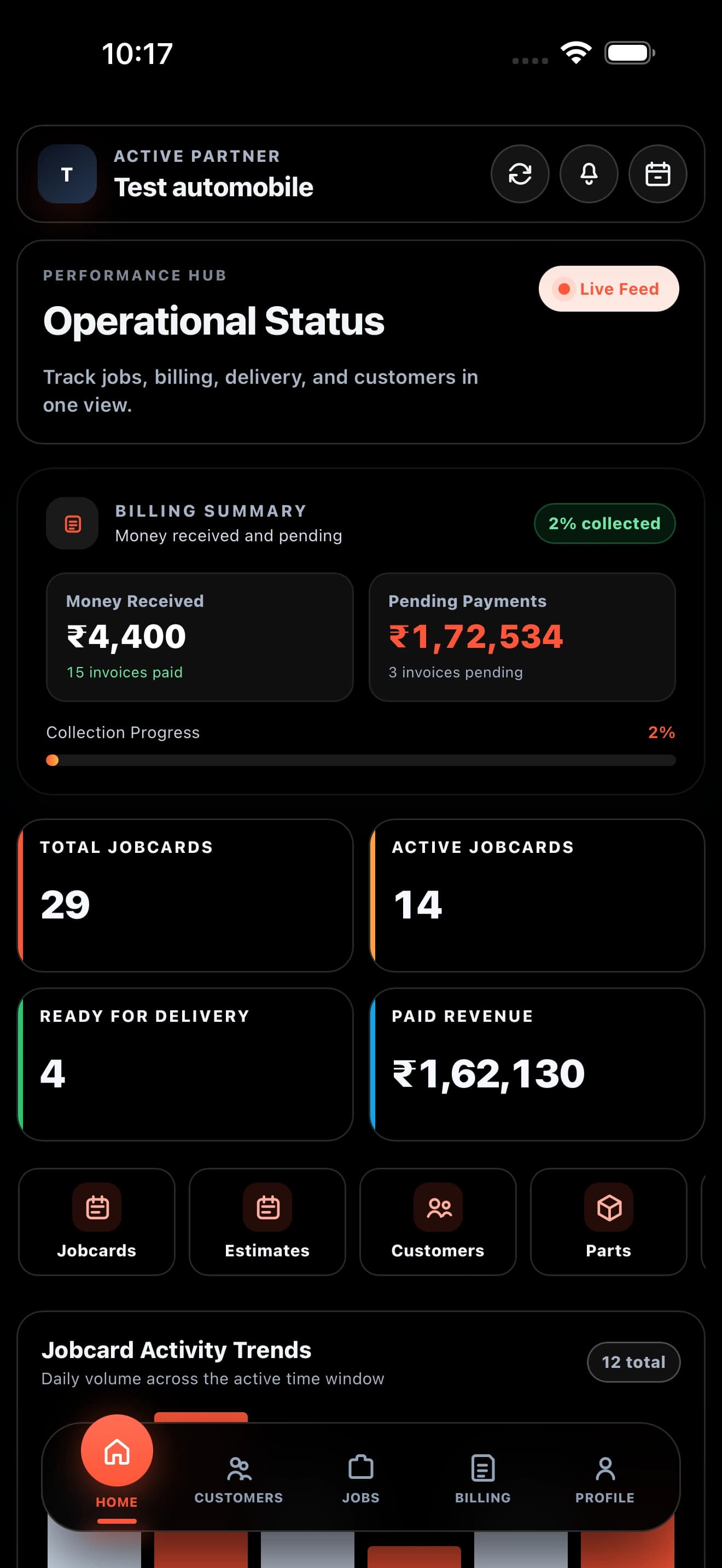
This guide explains how the dashboard and partner app work together—from customer intake and job execution to billing, gate pass, inventory and team access. Har lesson mein web control aur workshop-floor action clearly separated hai.
The dashboard gives you detailed control, while the partner app workshop floor par fast actions handle karta hai. Data dono jagah connected rehta hai.
Manage records, reports, billing, team access aur stock control from one detailed workspace.
Best for: Owner & ManagerCustomer lookup, job updates aur inventory checks phone se quickly complete karein.
Best for: Manager & TeamApp par kiya gaya update dashboard history and current operational view mein reflect hota hai.
No duplicate trackingOwner account setupVerify the workshop profile aur primary access.
Team inviteAdd managers and employees with the right role.
Starting dataReview customers, vehicle context aur available parts.
Har record ko the right next step mein move karein, so status, ownership and responsibility always clear rahe.
Identify the right profile and linked vehicle
Complaint, vehicle intake aur requested work accurately capture karein
Assign work aur live status update karein
Availability, issue aur low-stock check karein
Complete estimate aur GST billing checks
Received amount aur pending dues verify karein
Handover record close karein
Repeat customer ho ya new walk-in, keep identity, linked vehicle and complete service history together in one customer repository.
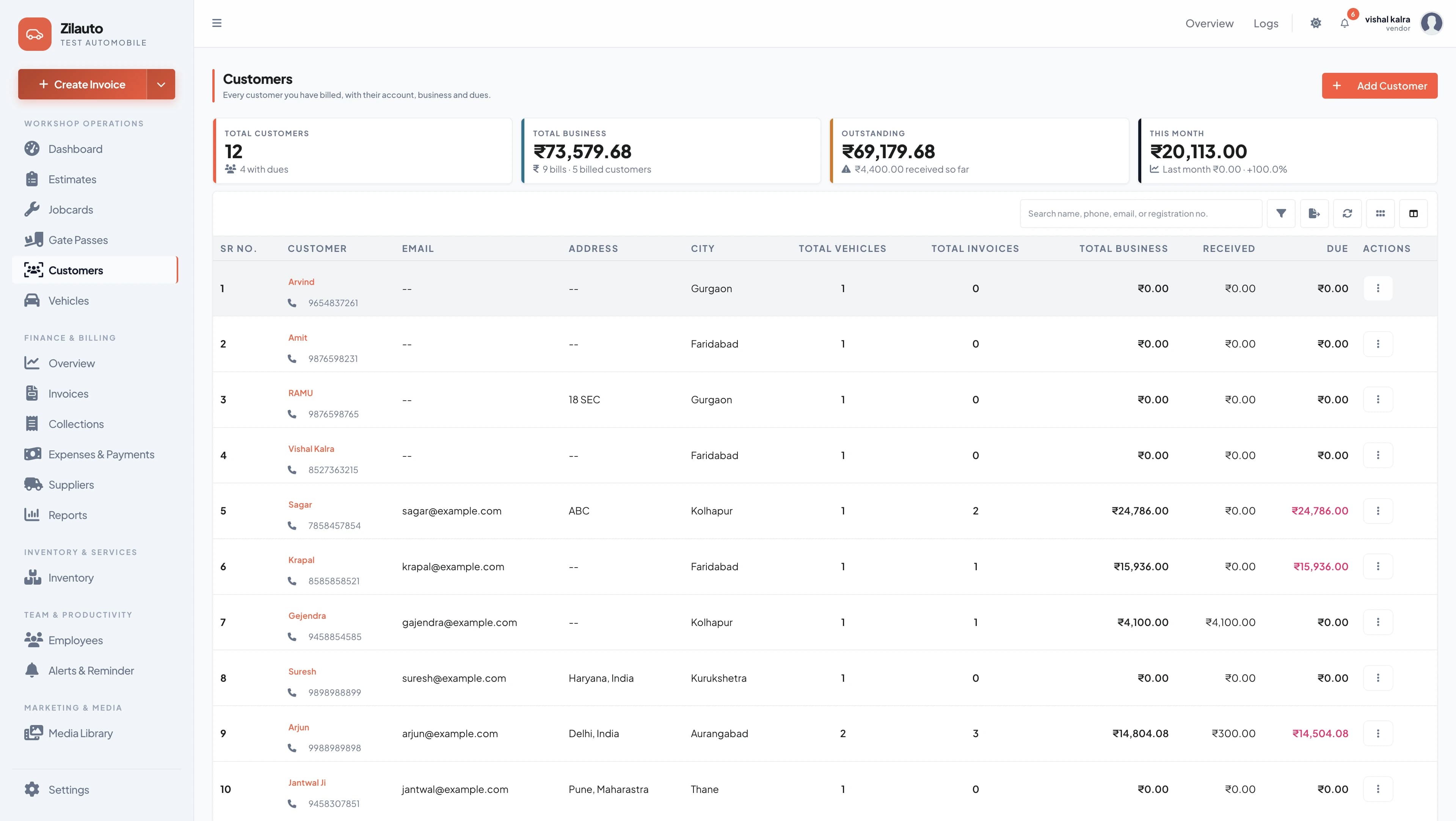
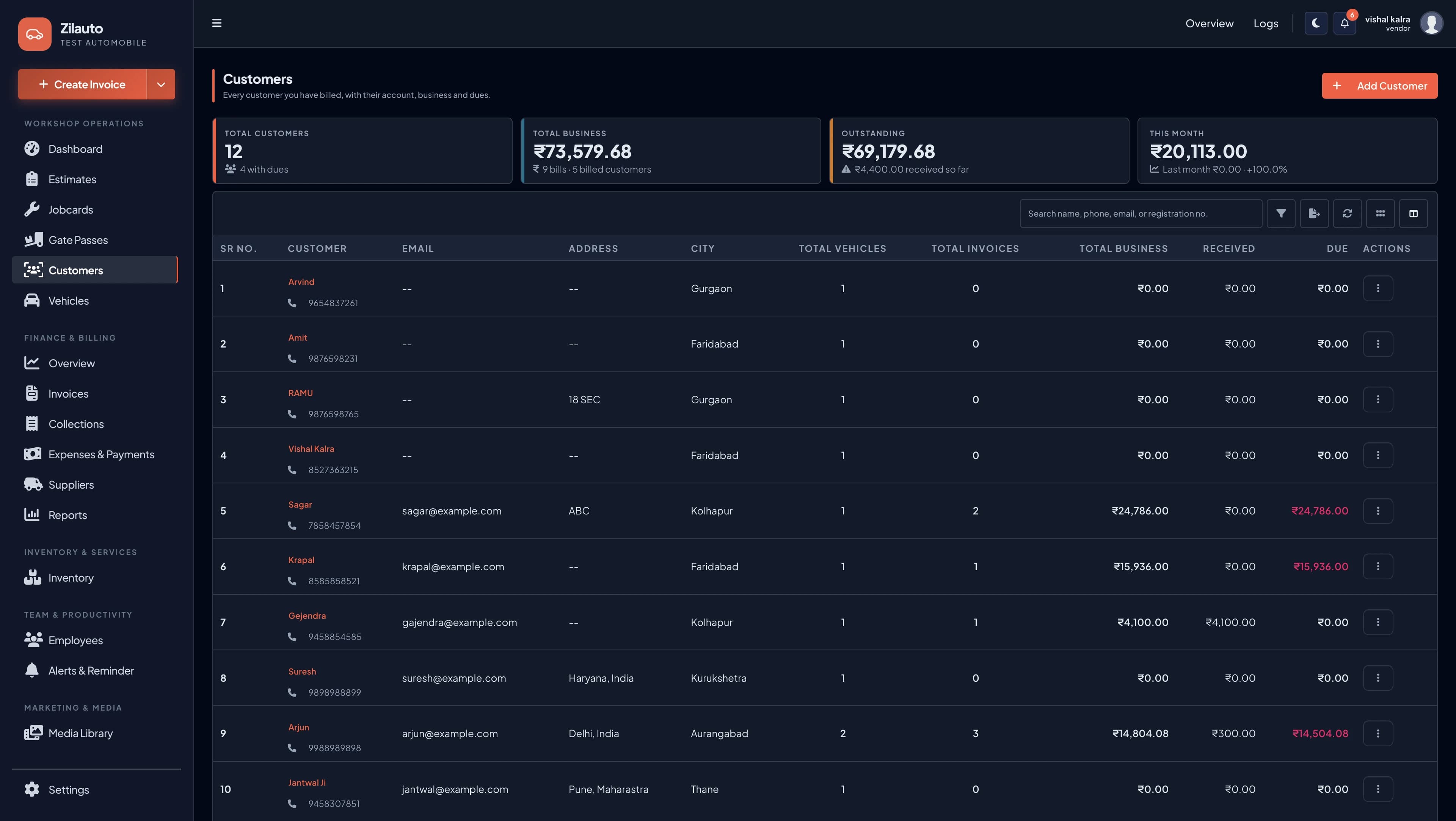
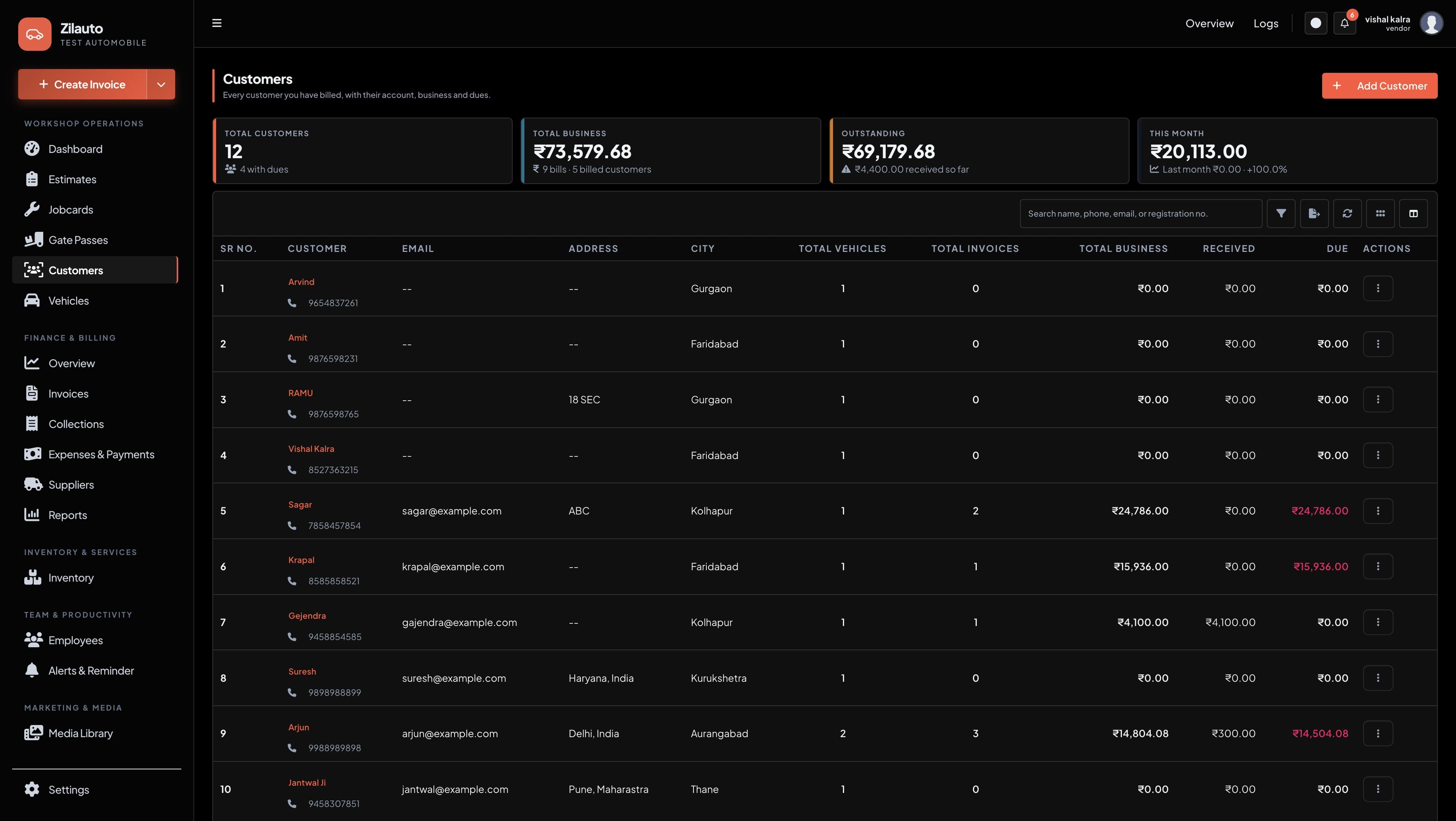
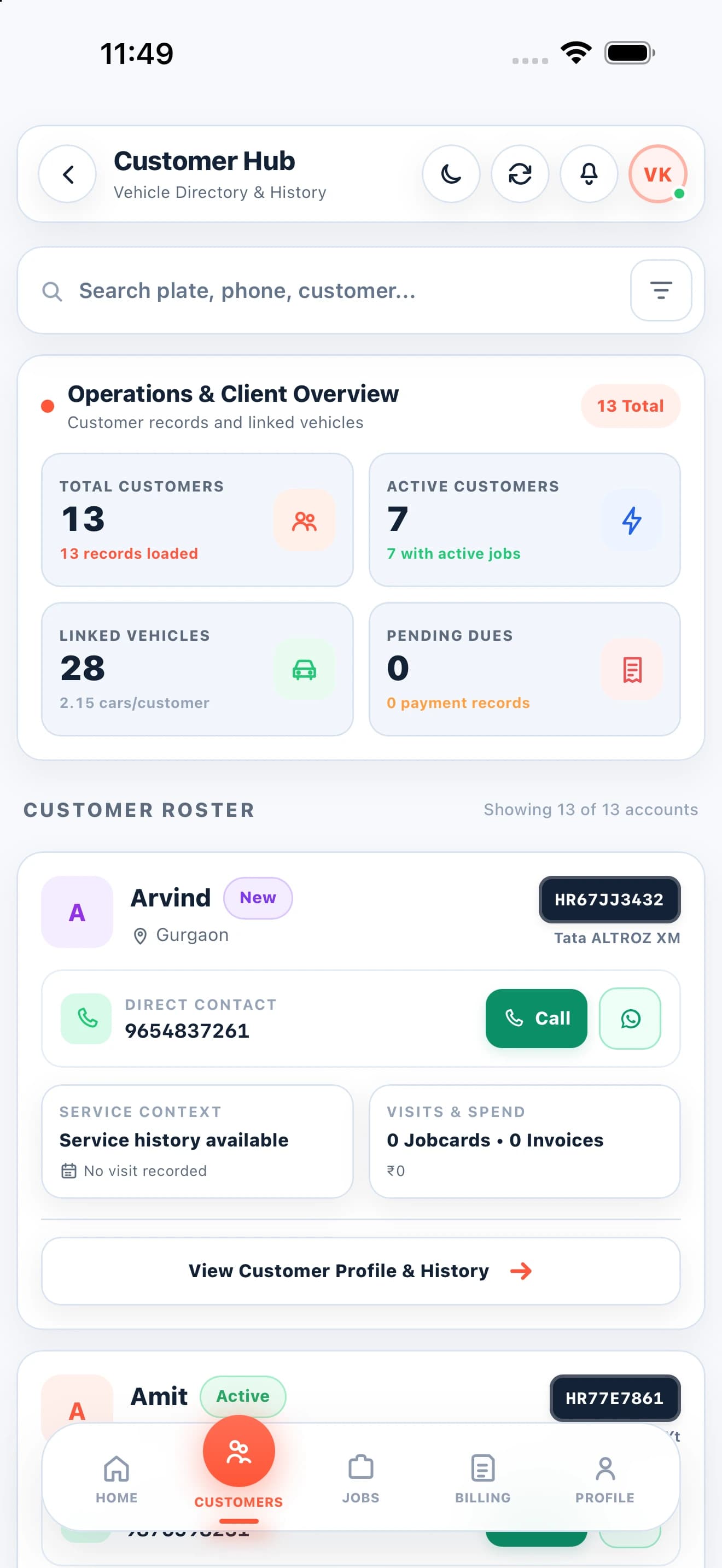
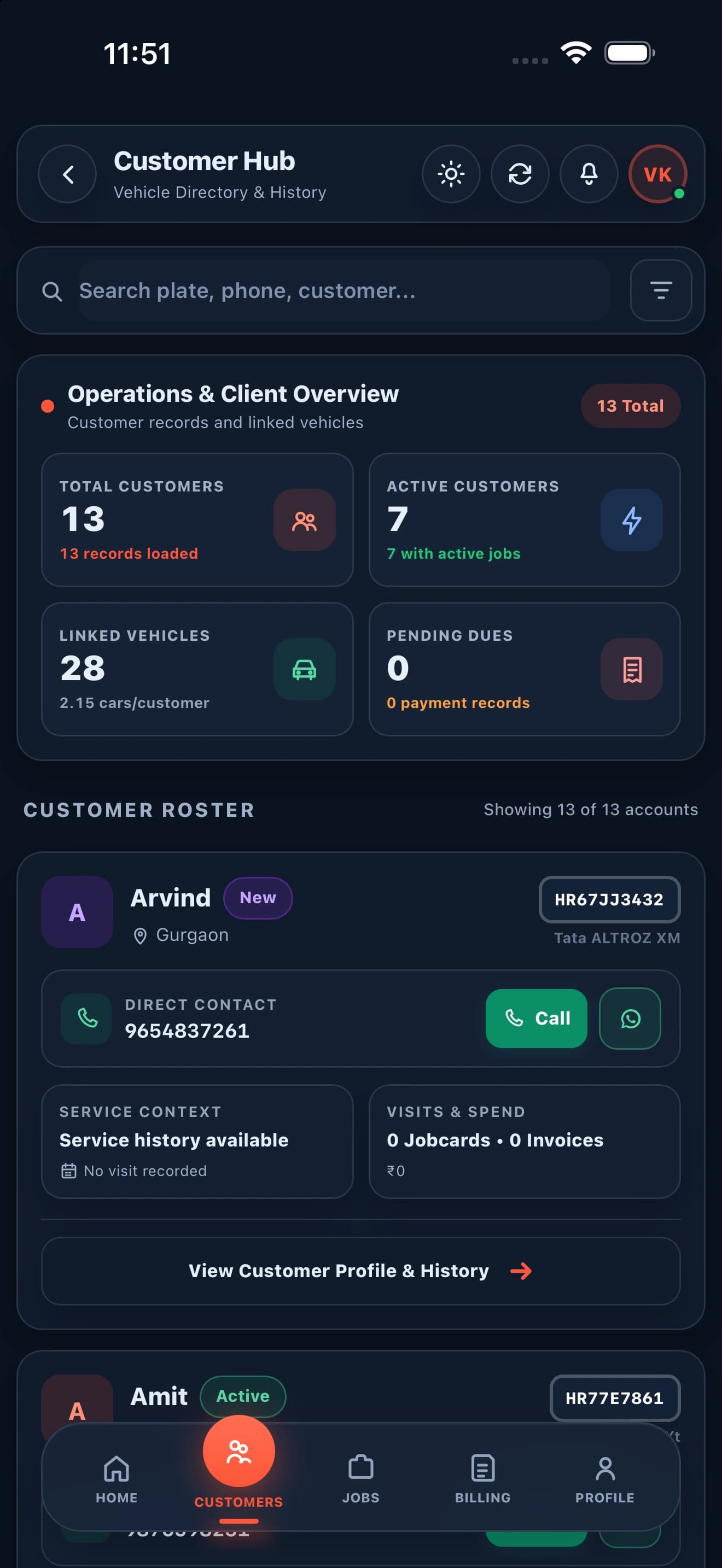
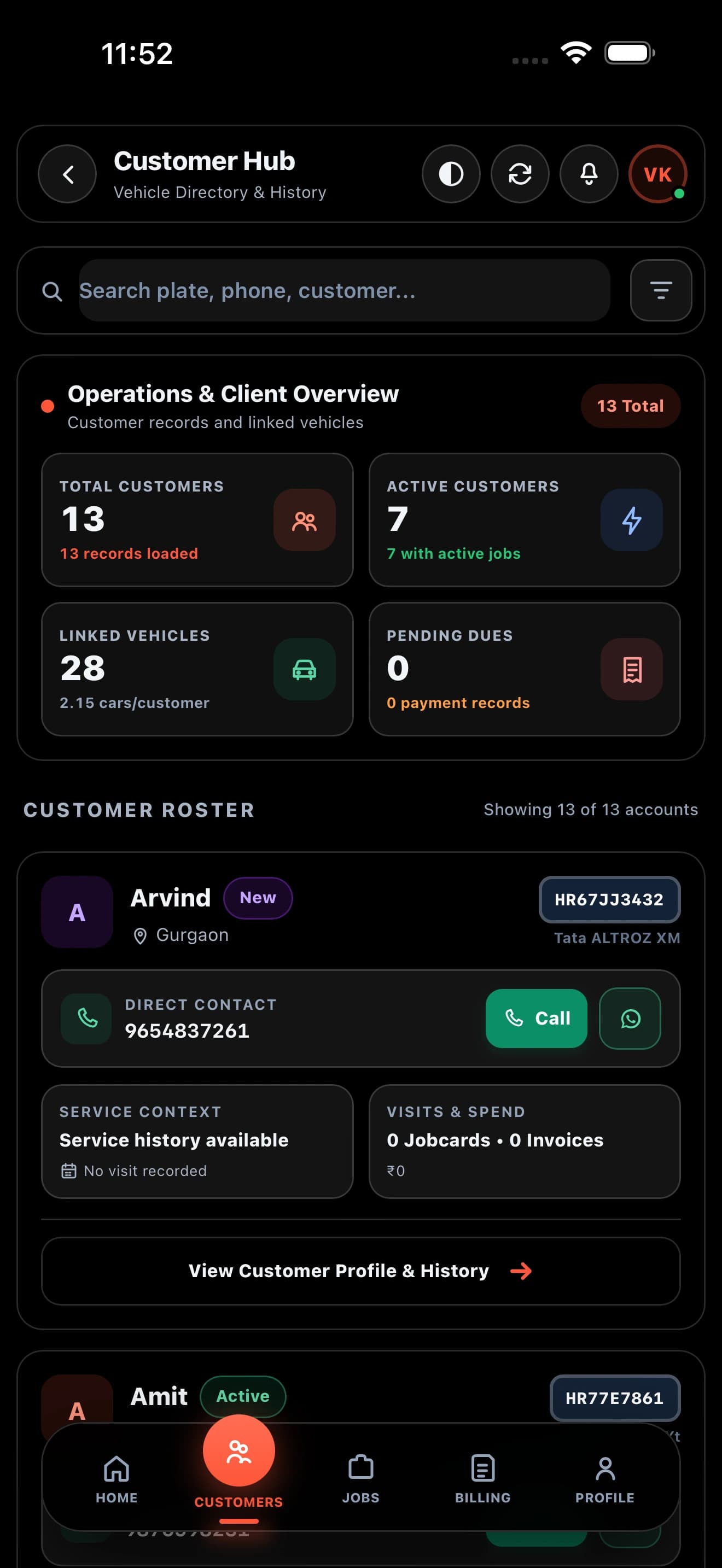
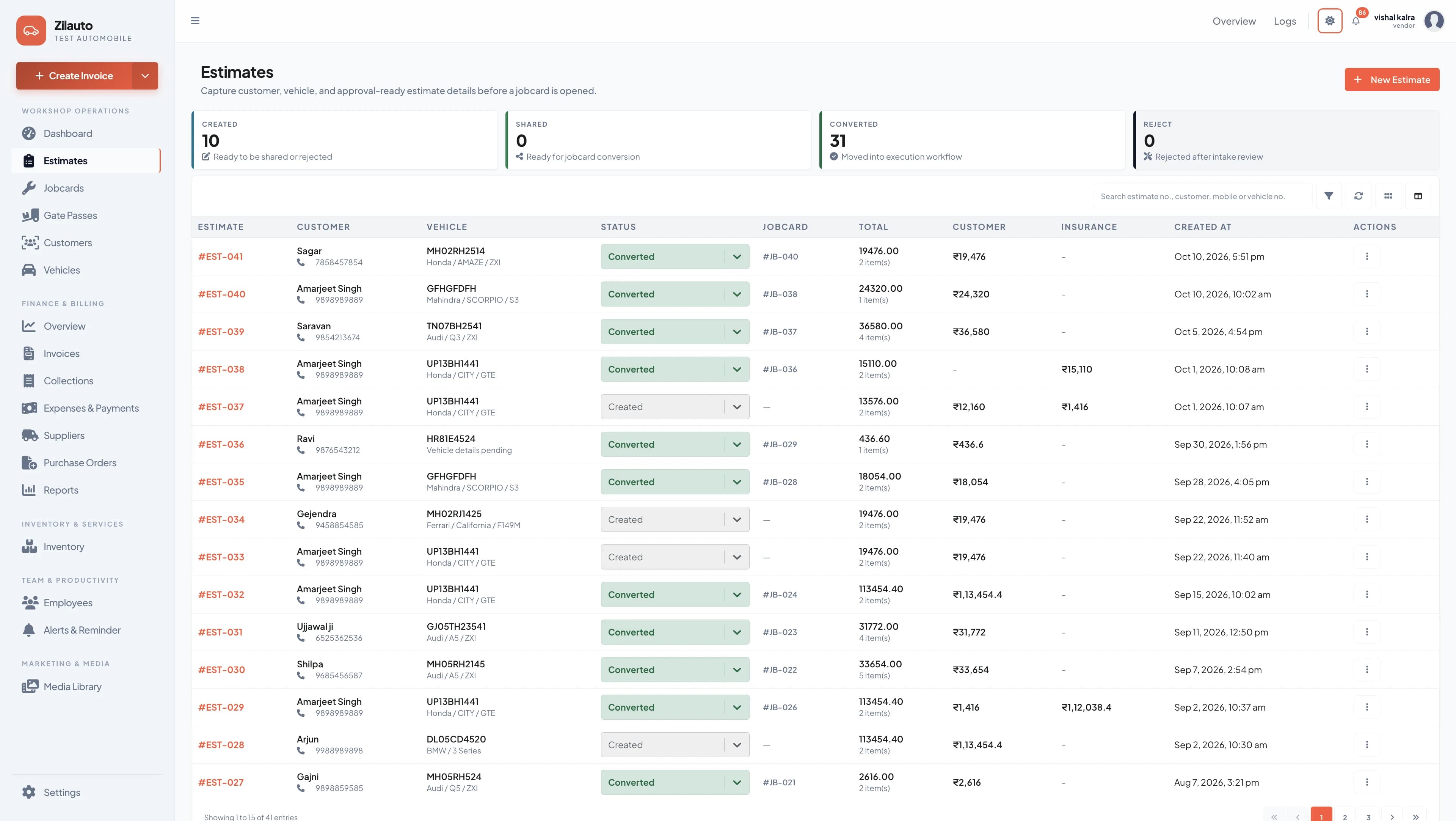
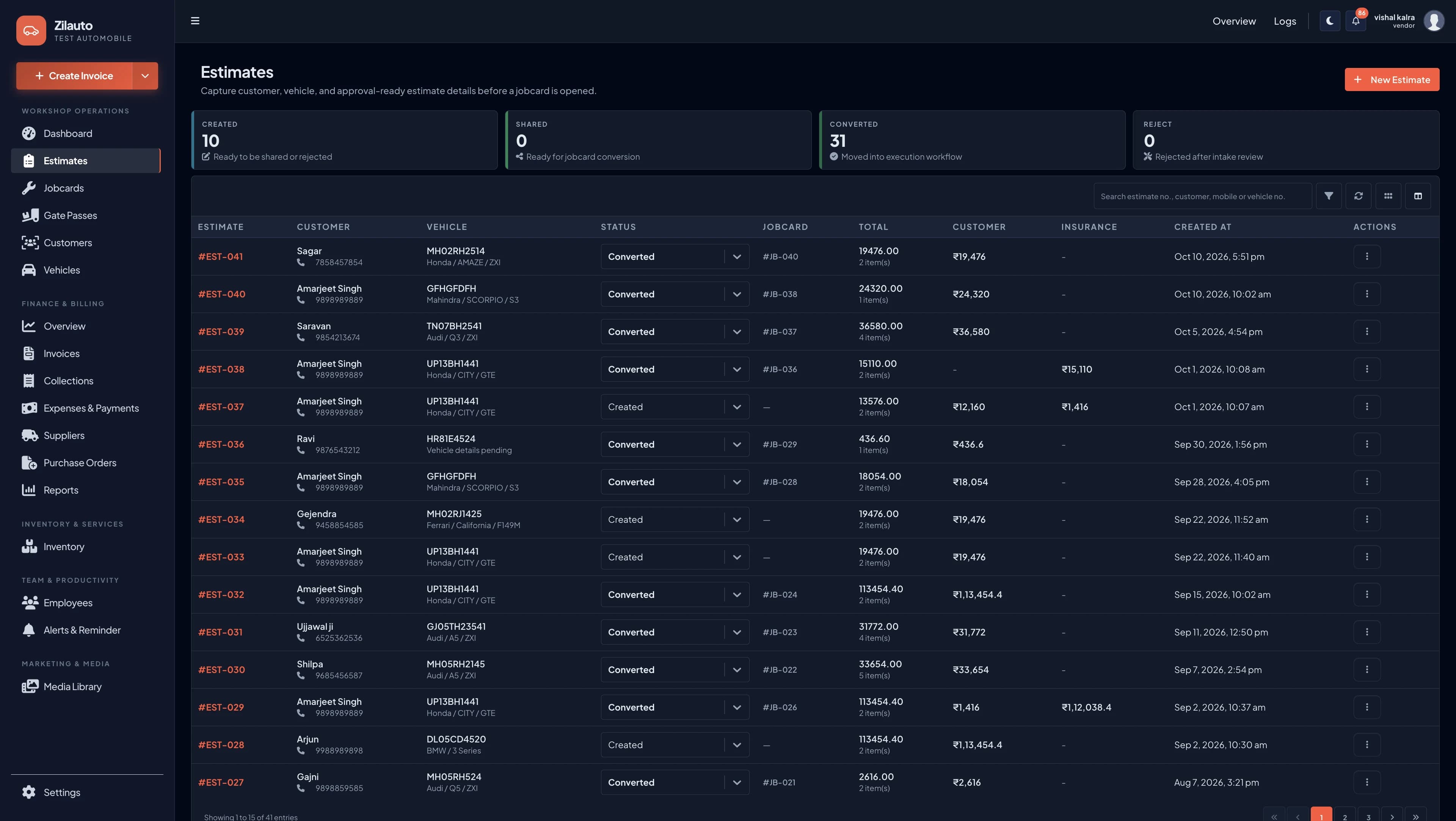
Estimate se approved work tak, keep assignments and job status consistent across the team.
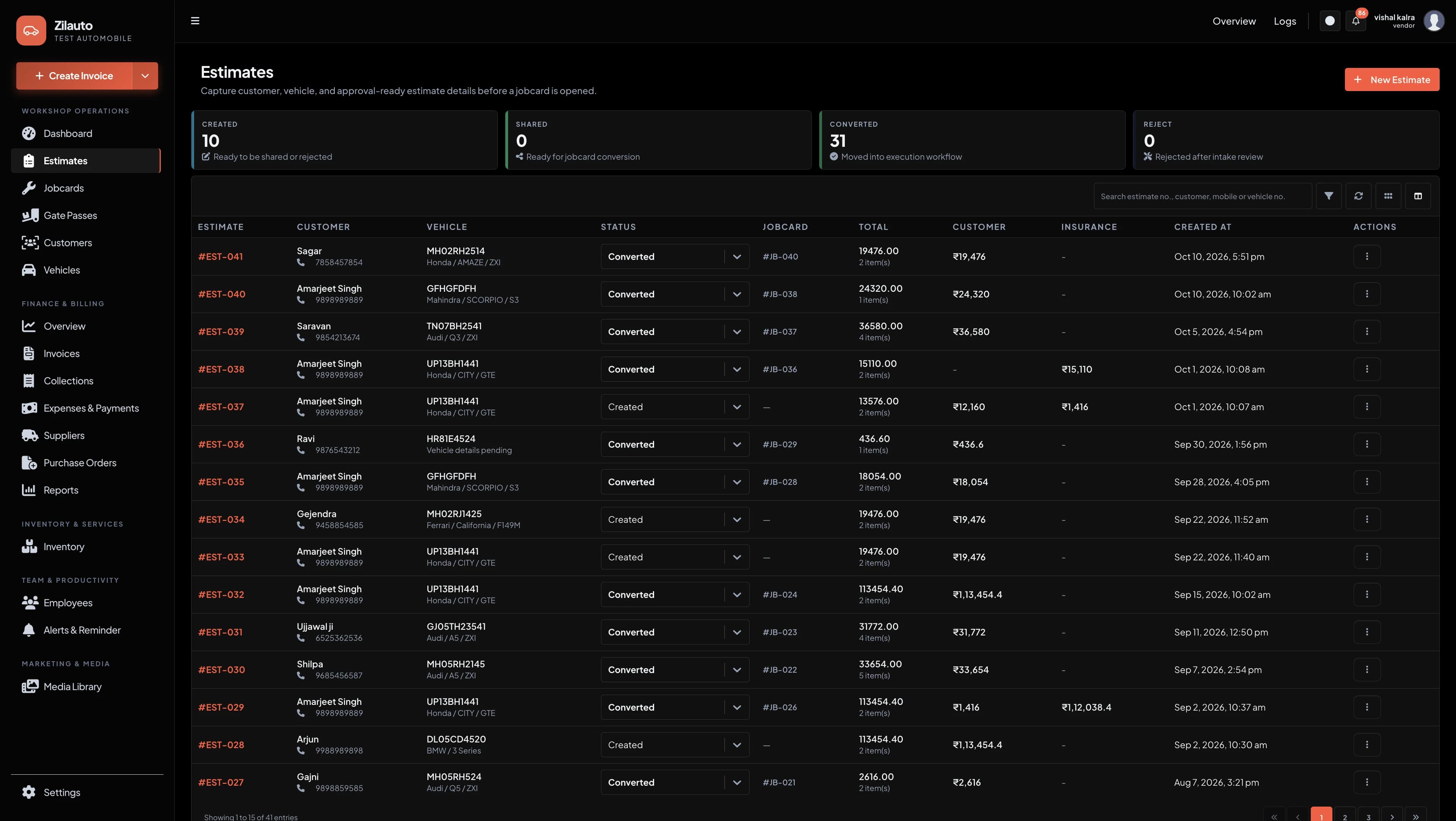
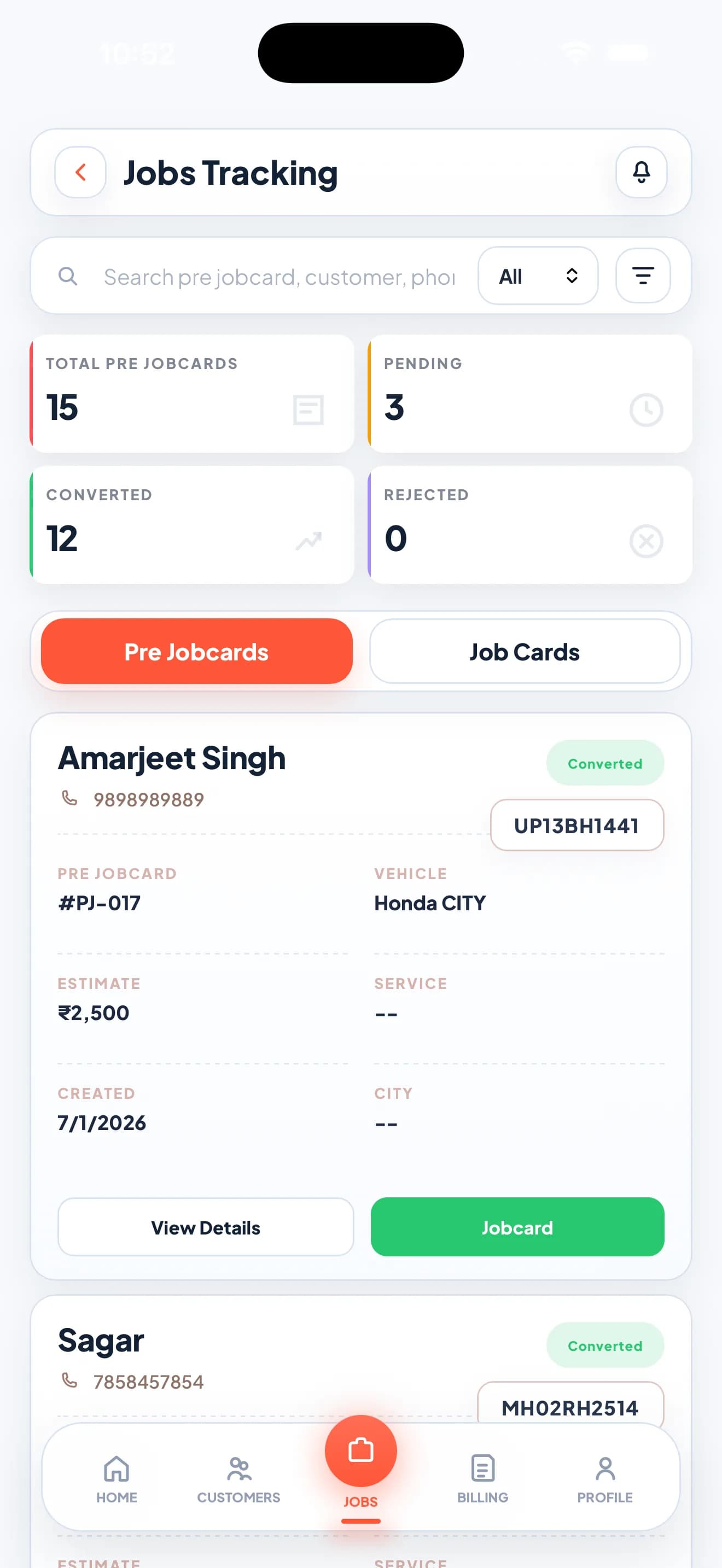
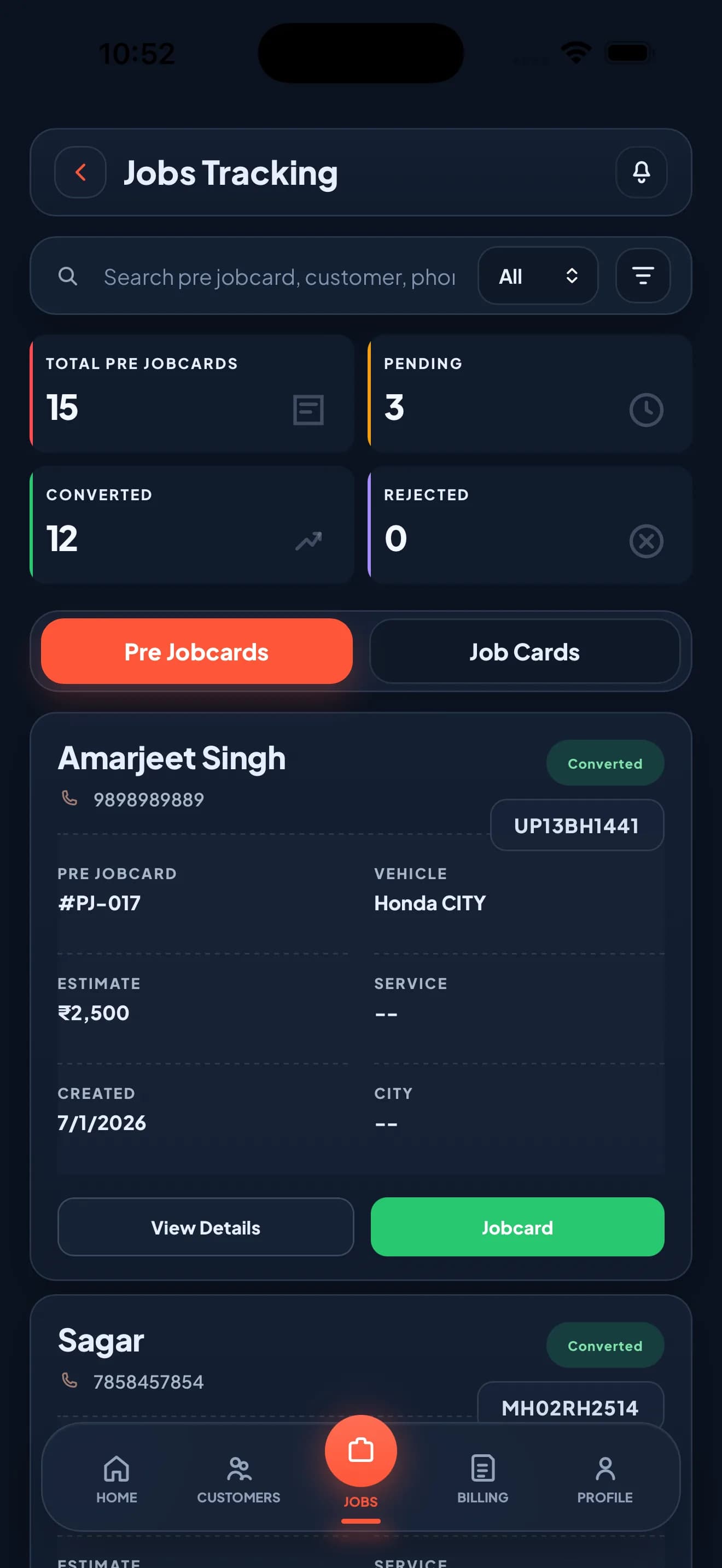
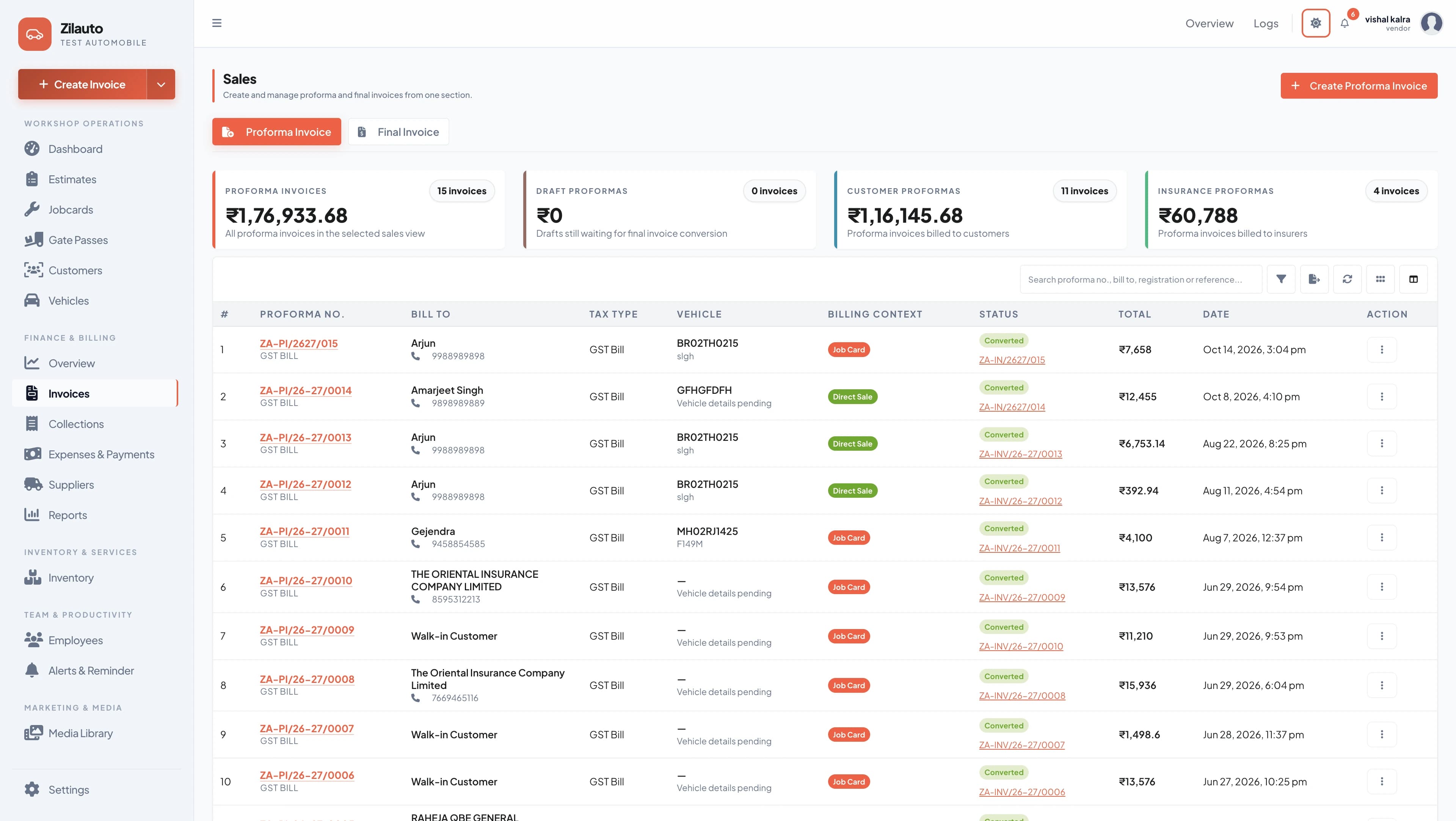
From job details to invoice and Gate Pass, clean records maintain karein so every payment and handover stays traceable.
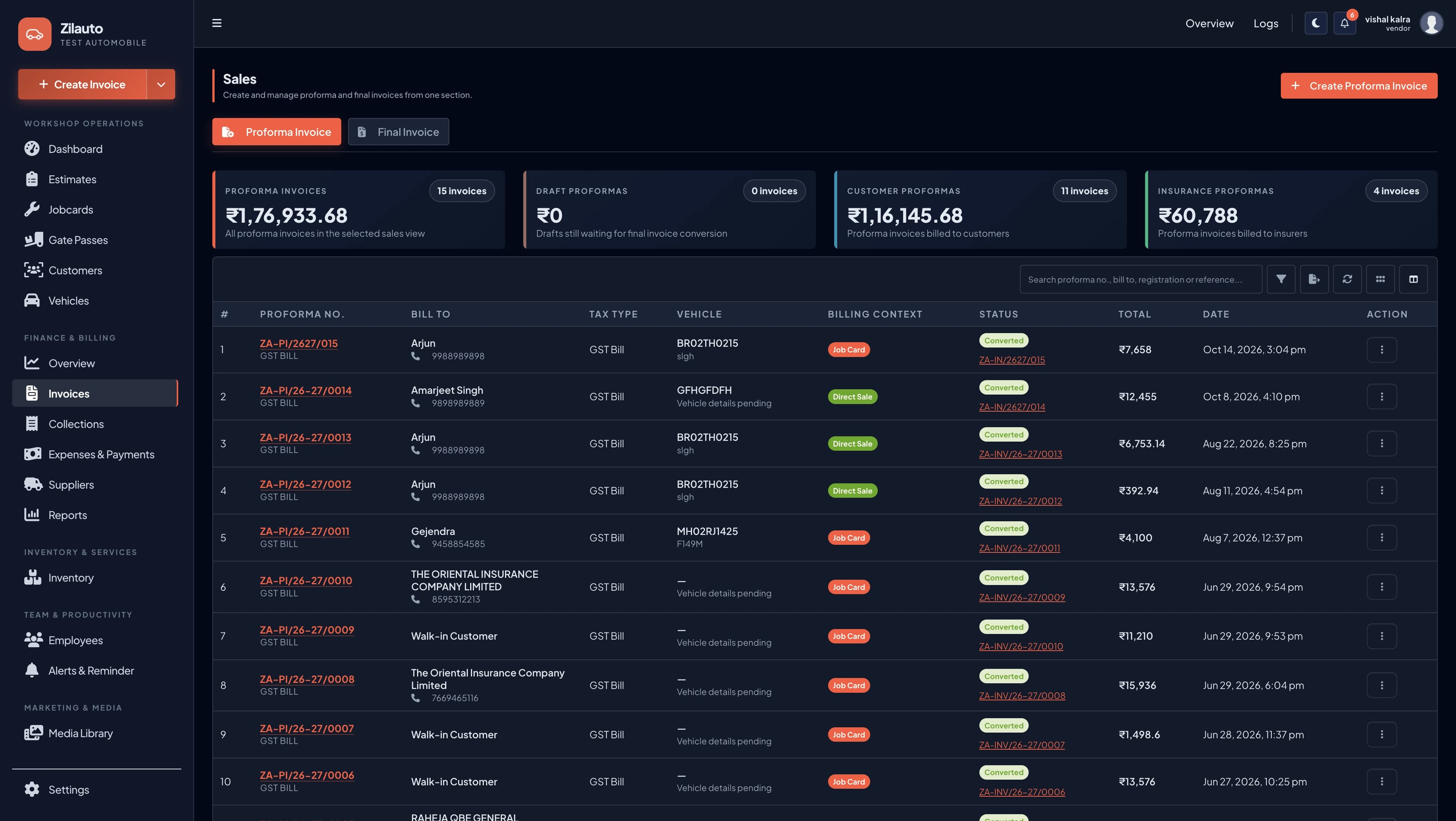
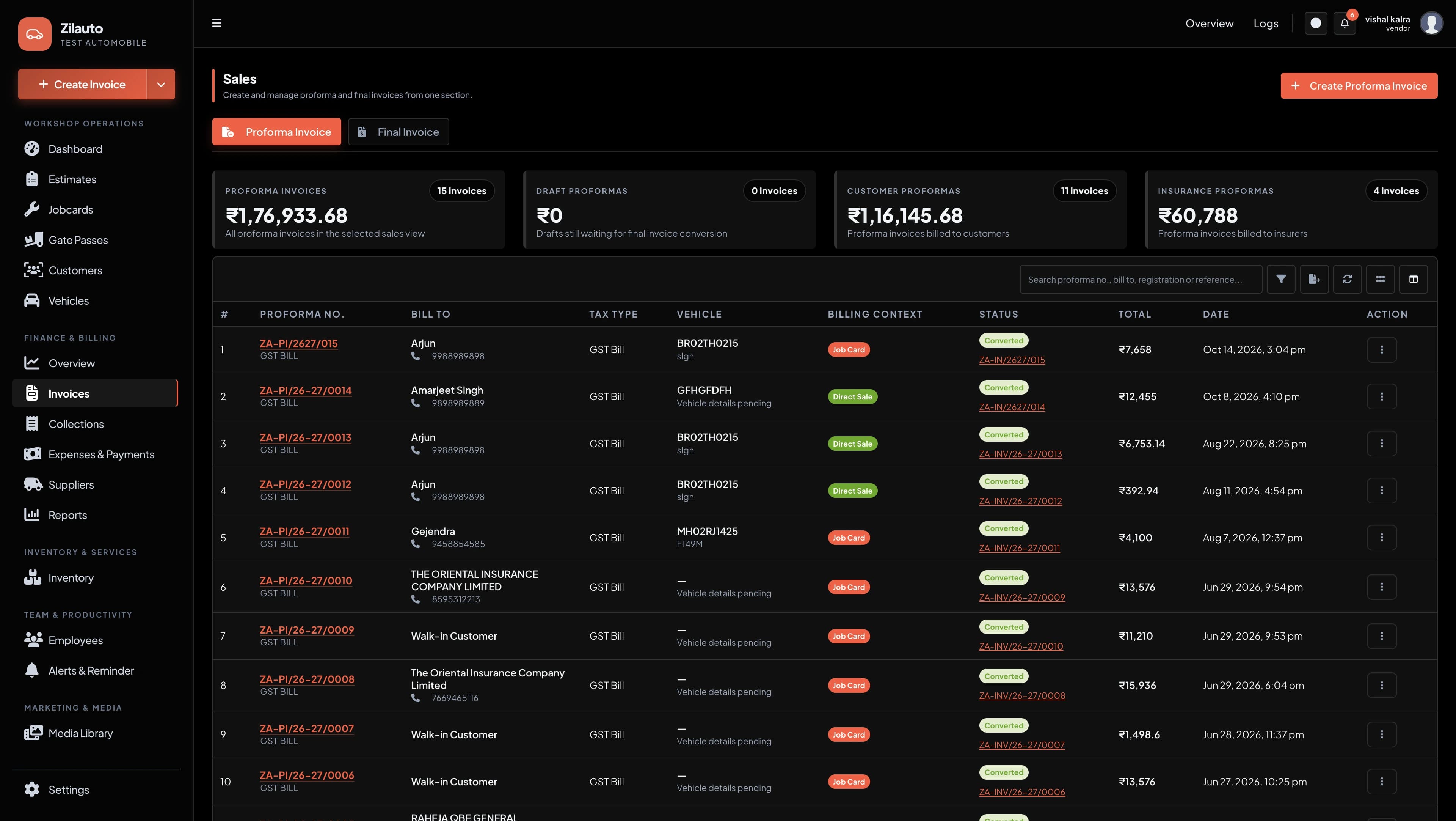
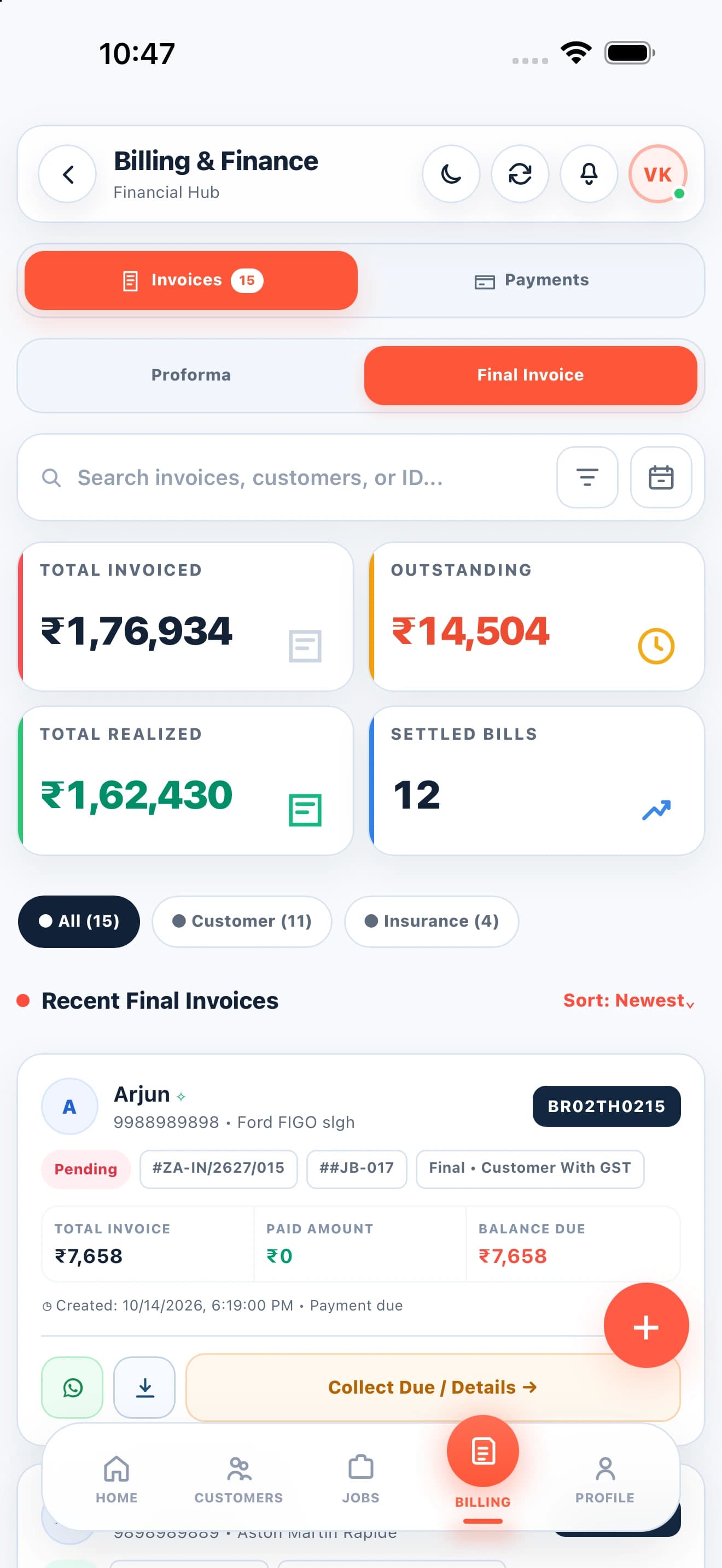
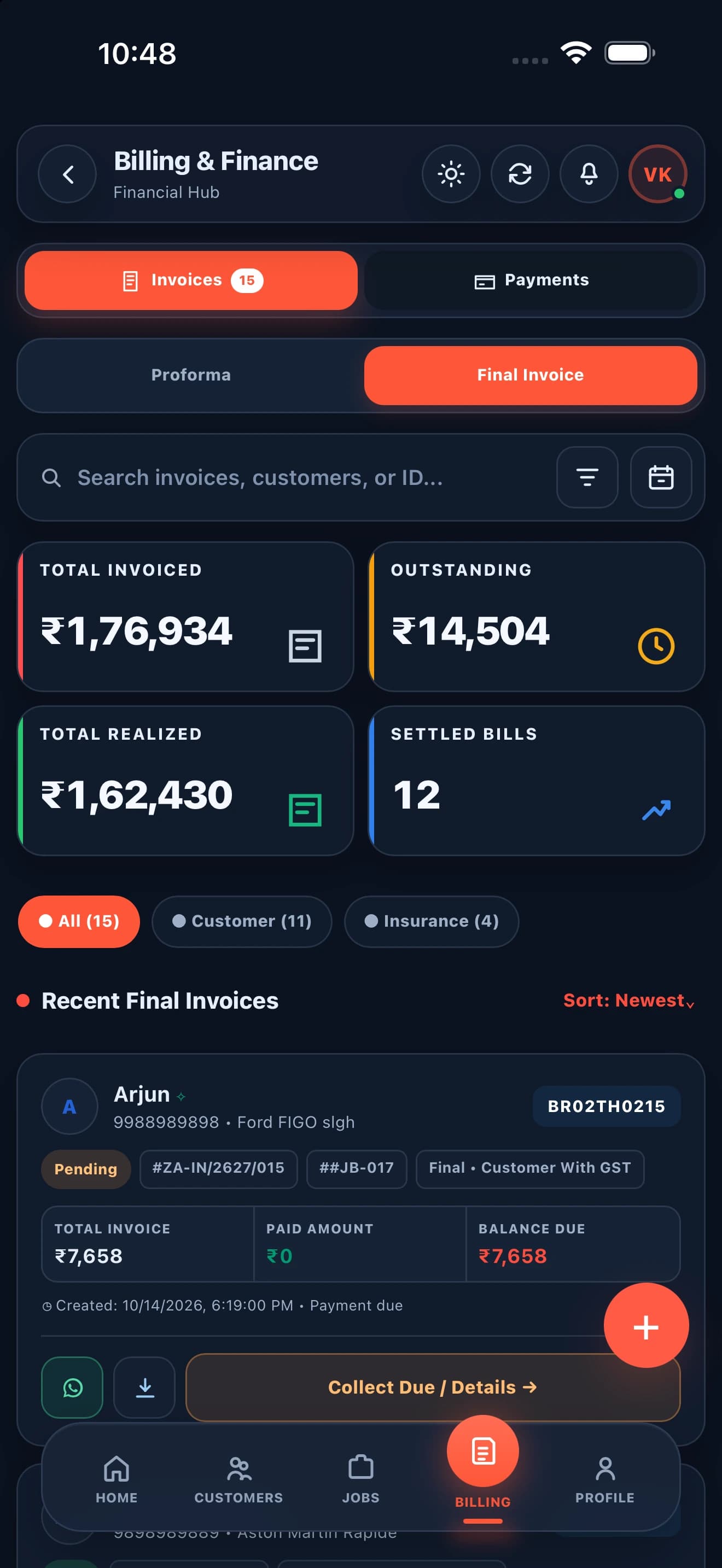
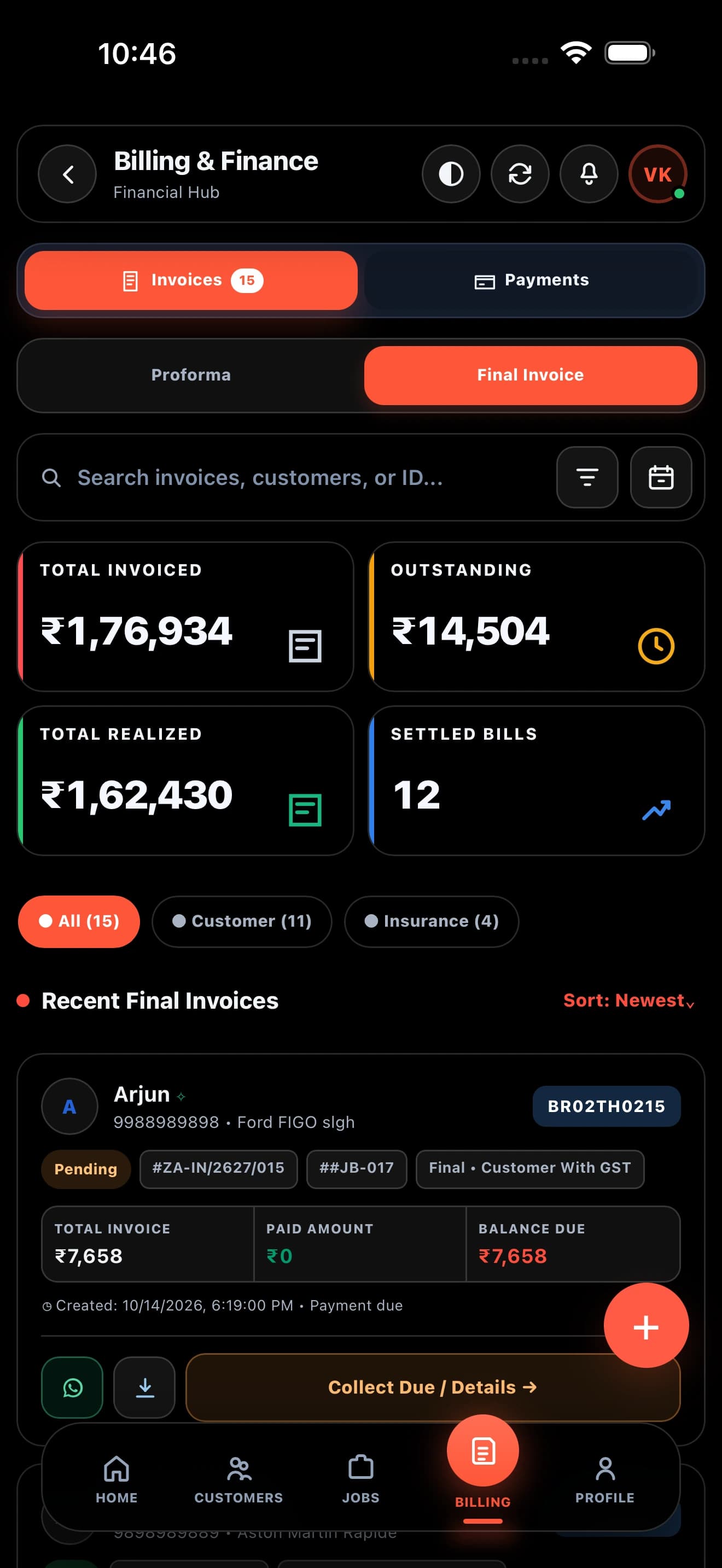
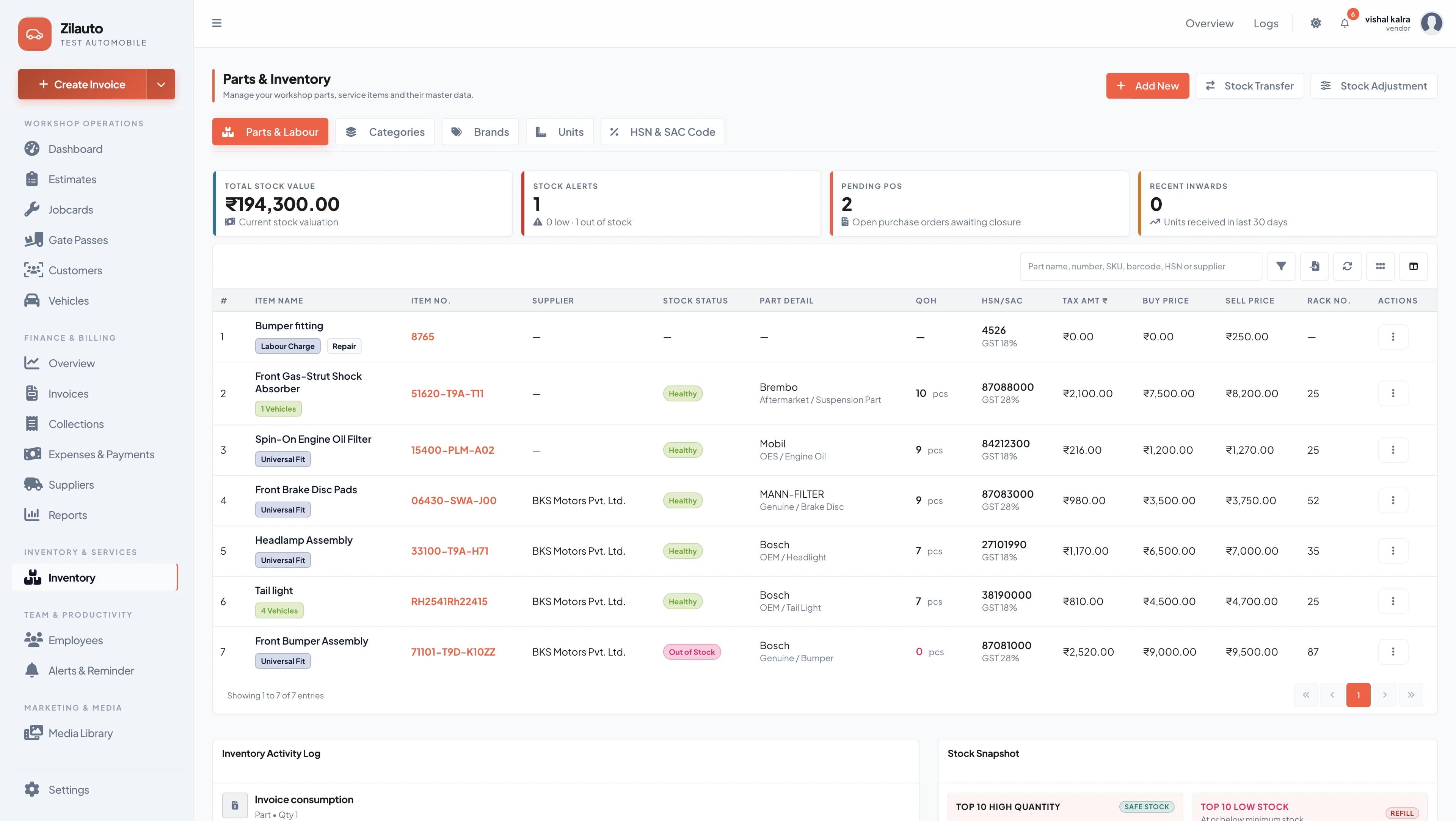
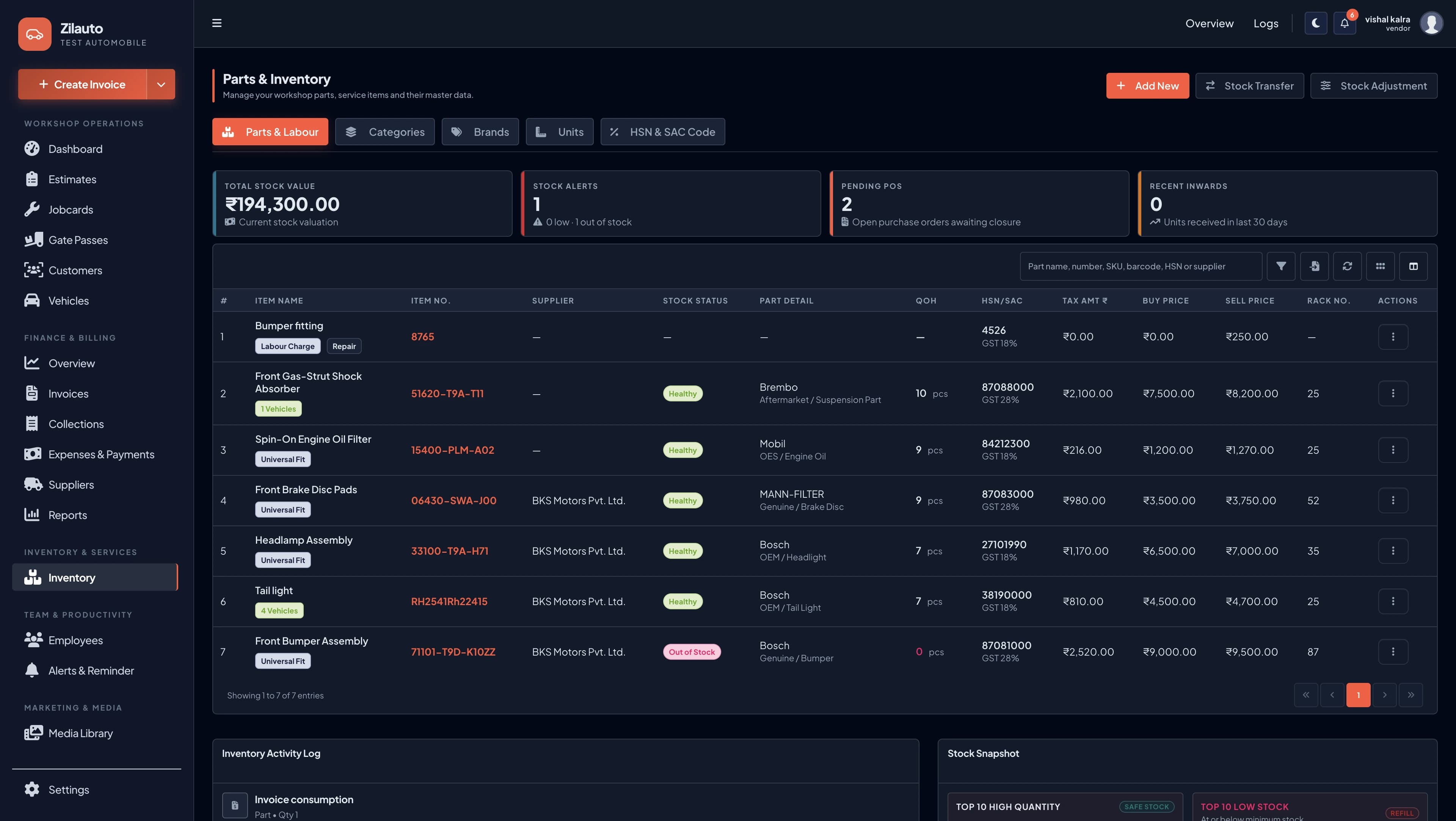
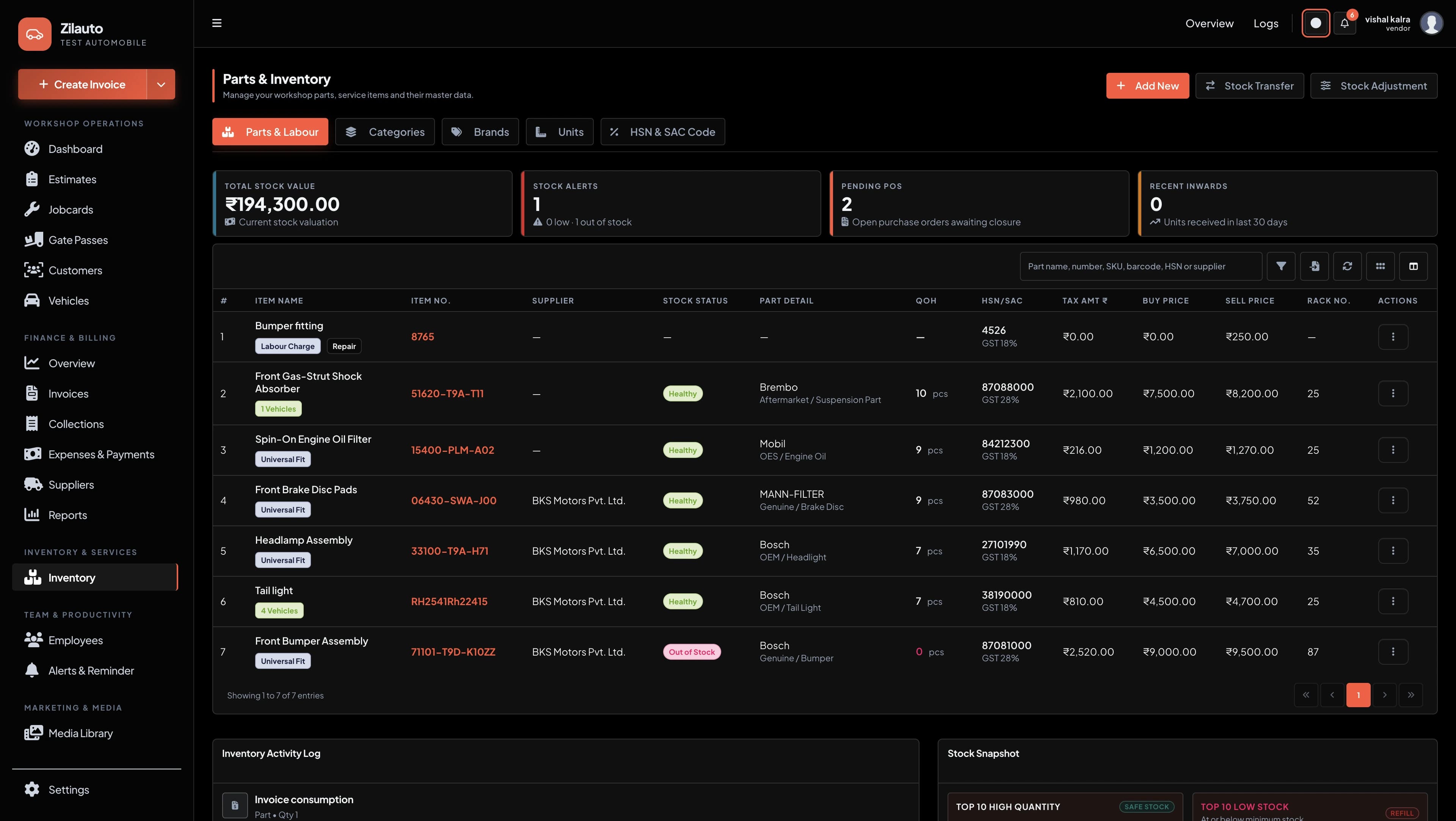
Maintain a clean catalog, accurate current stock and low-stock focus—taaki delays and last-minute purchase surprises reduce ho.
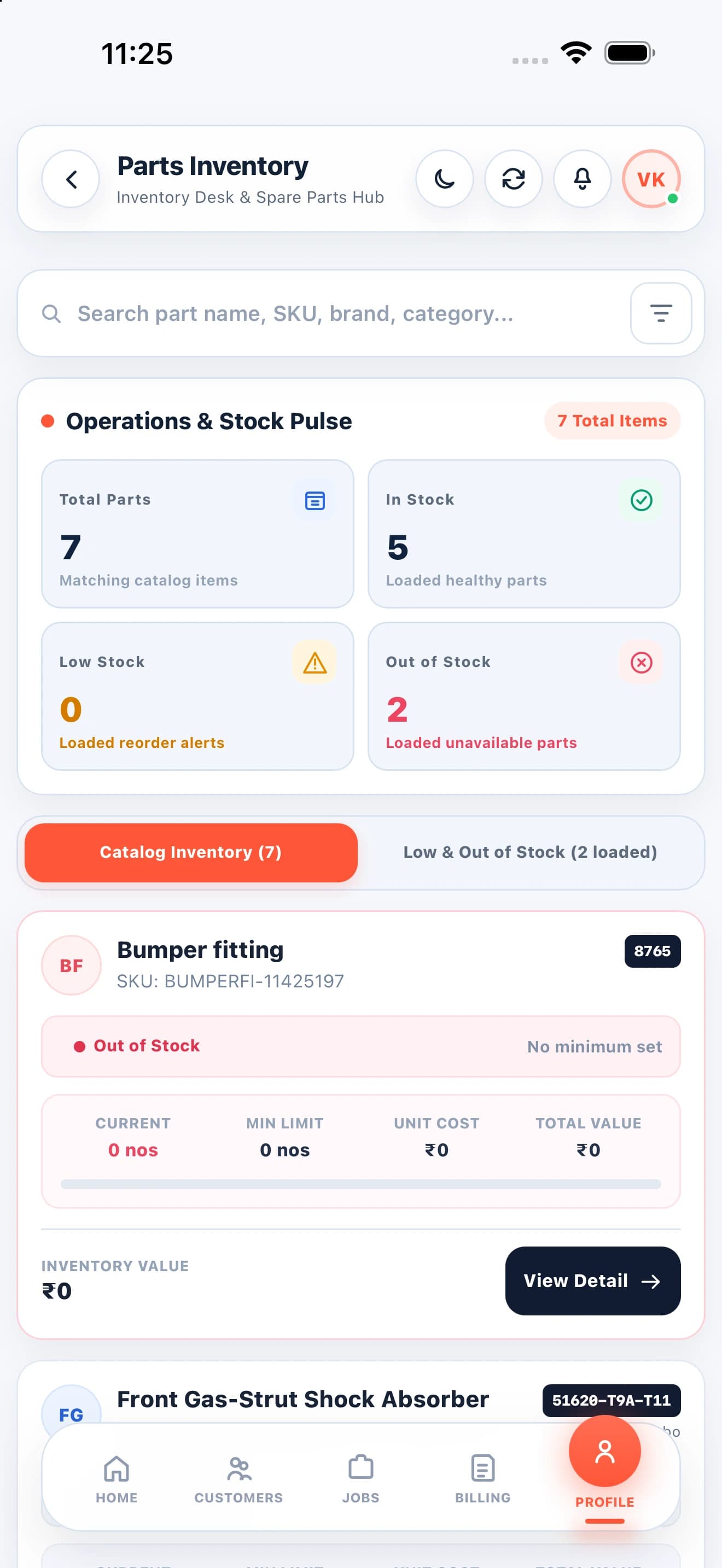
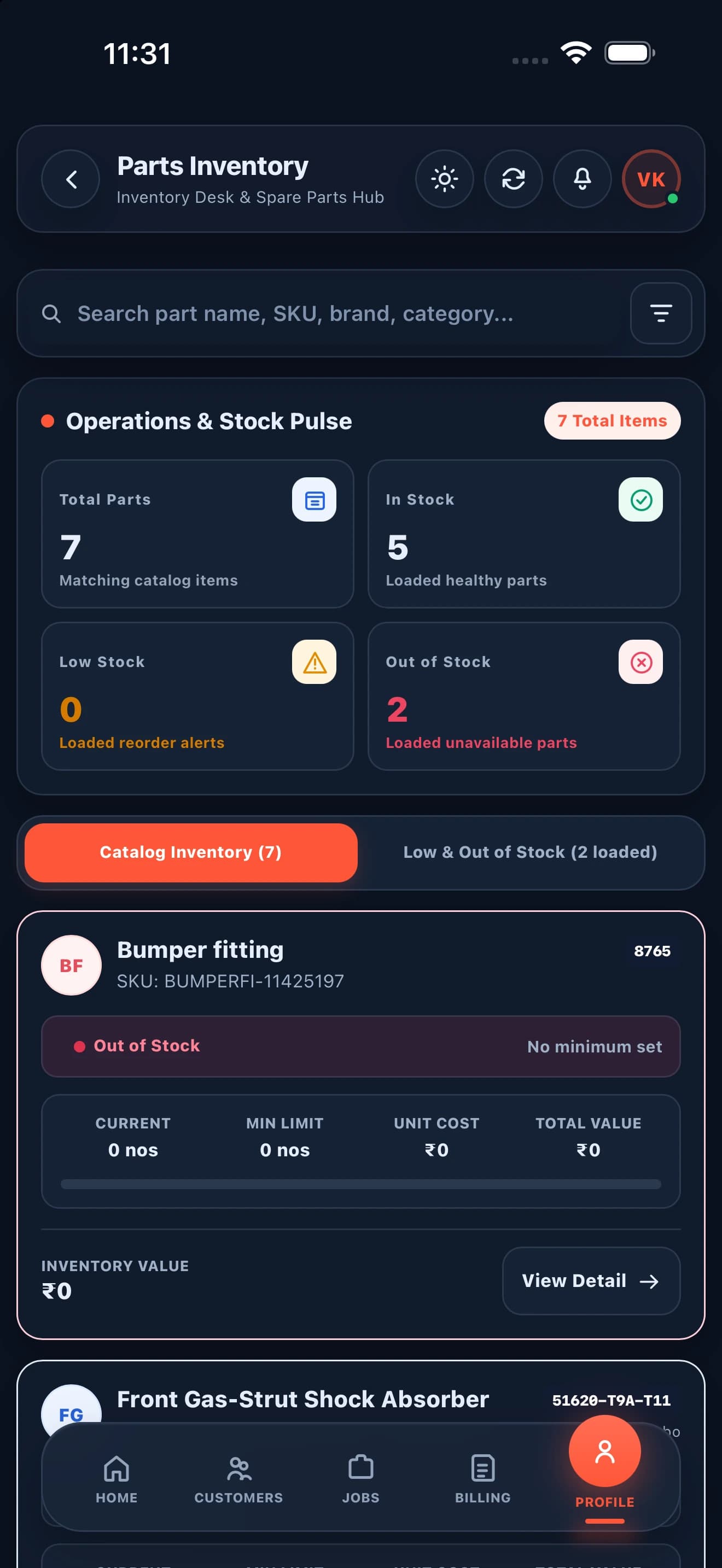
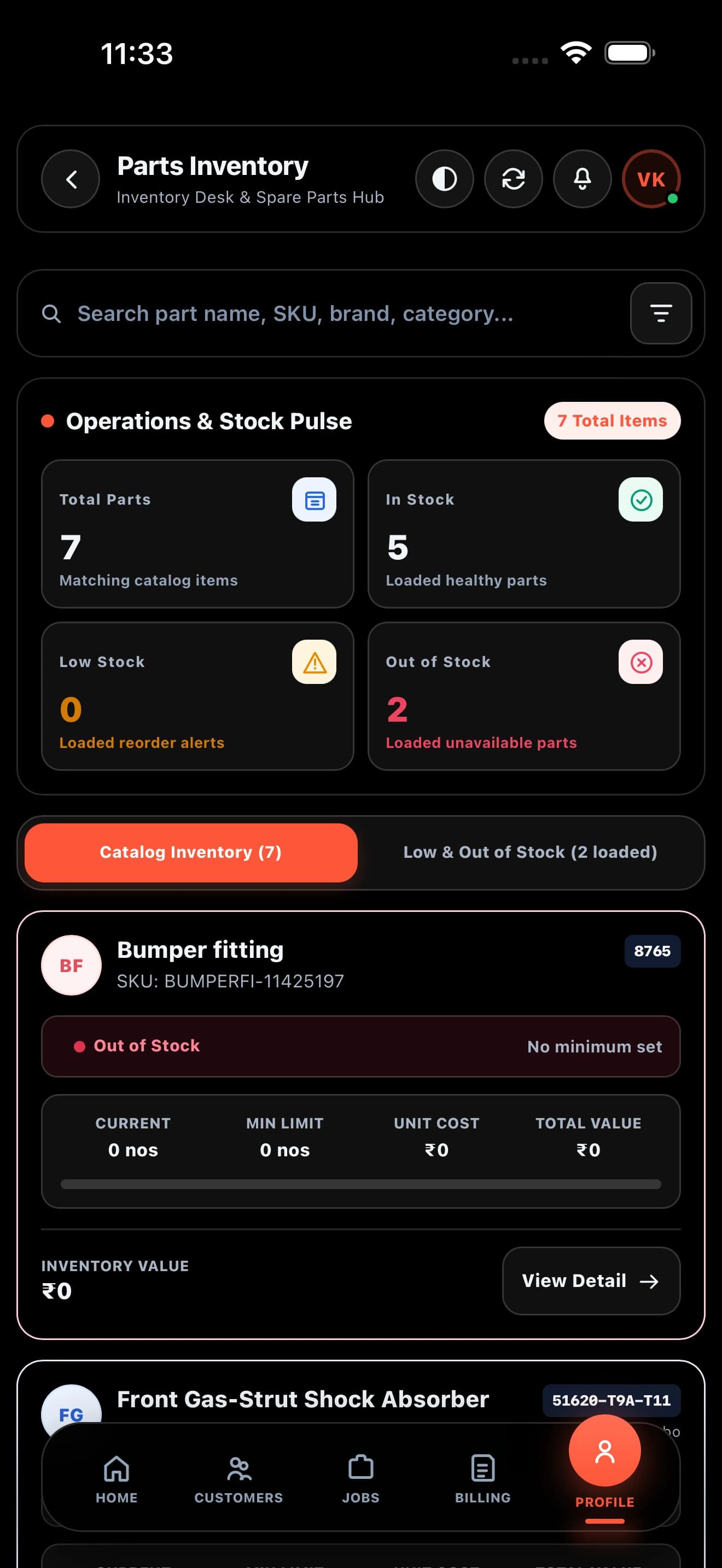
Employees, alerts, media, activity logs and support tools daily operations ko controlled, focused and accountable rakhte hain.
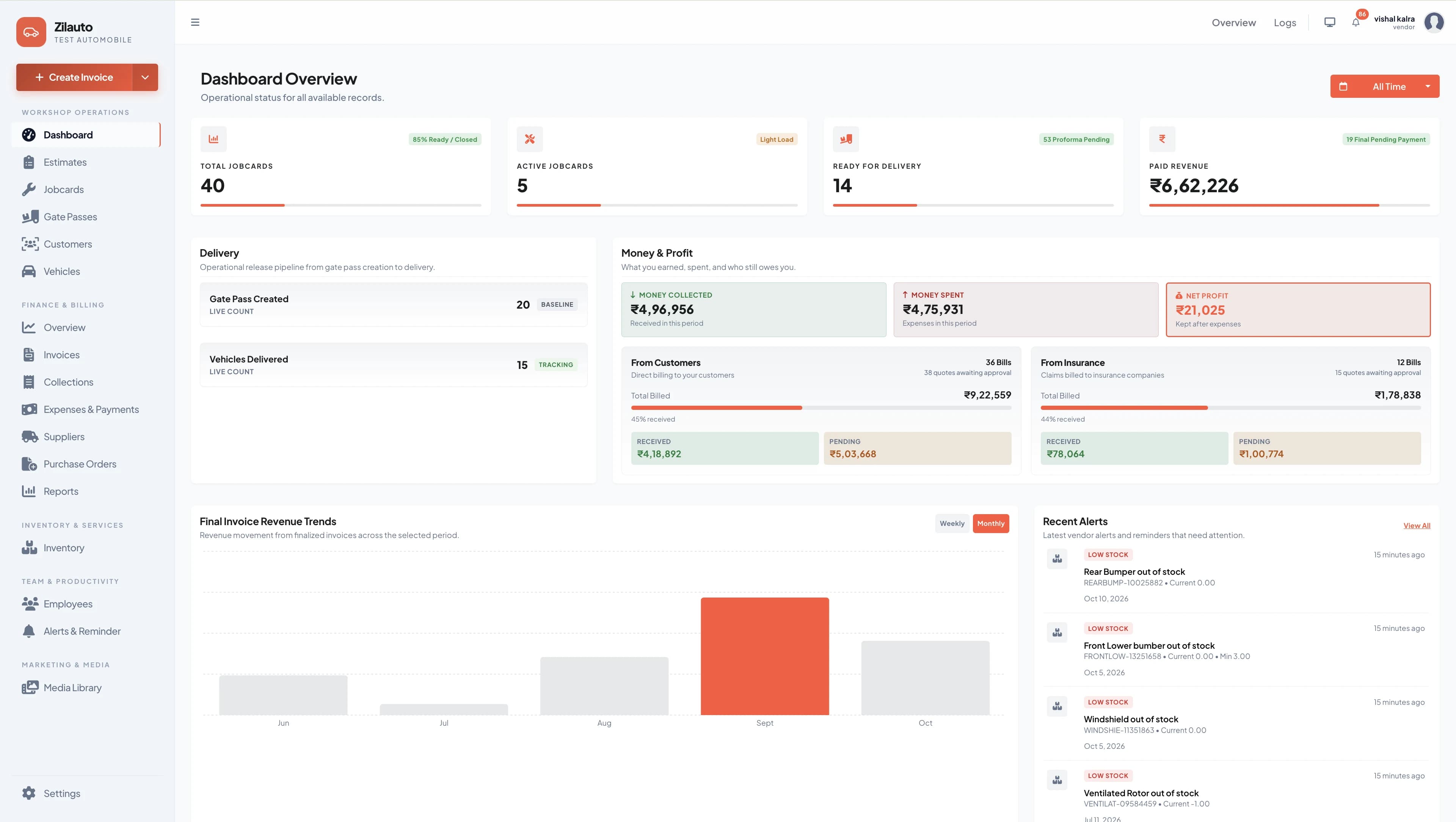
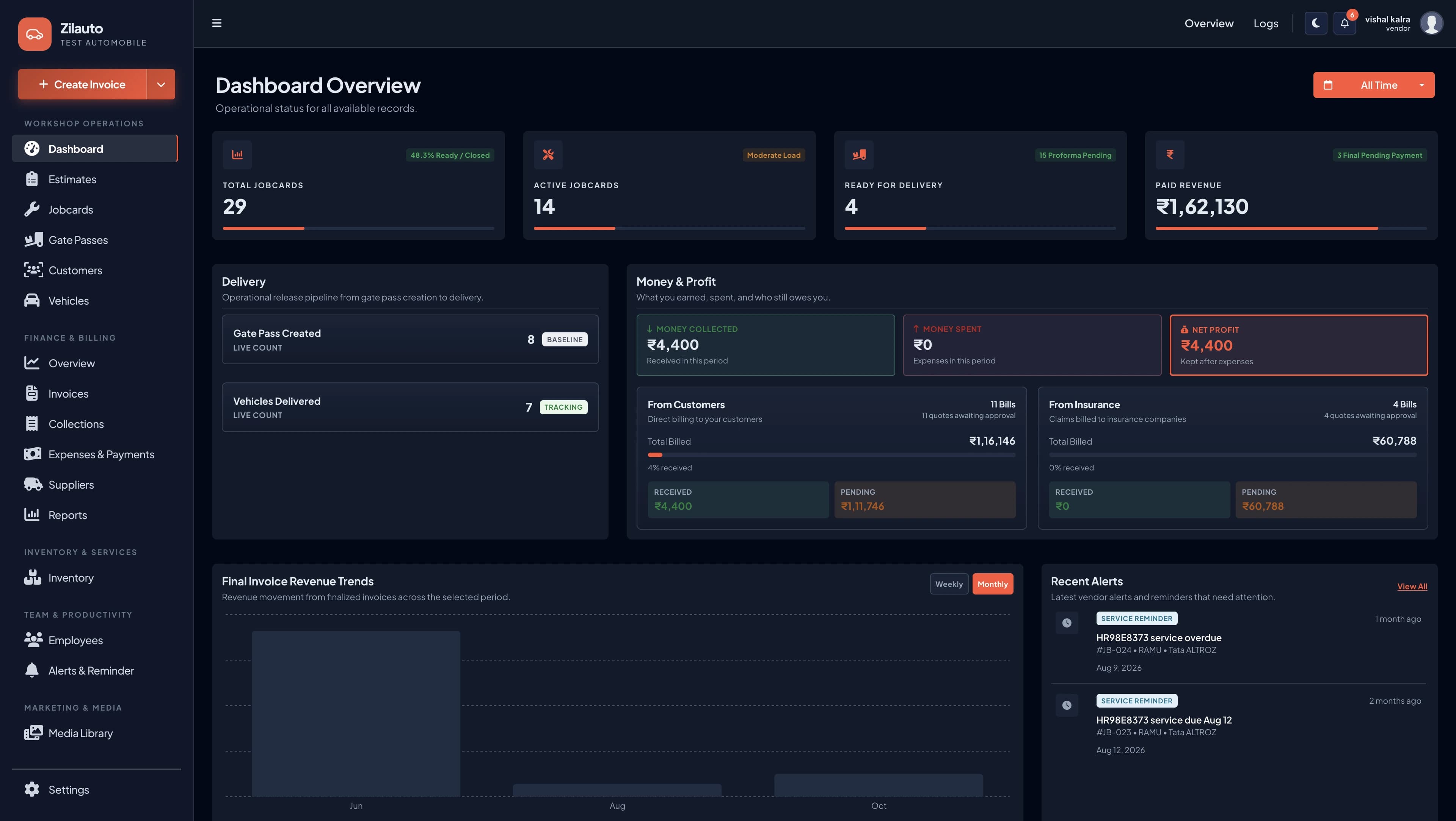
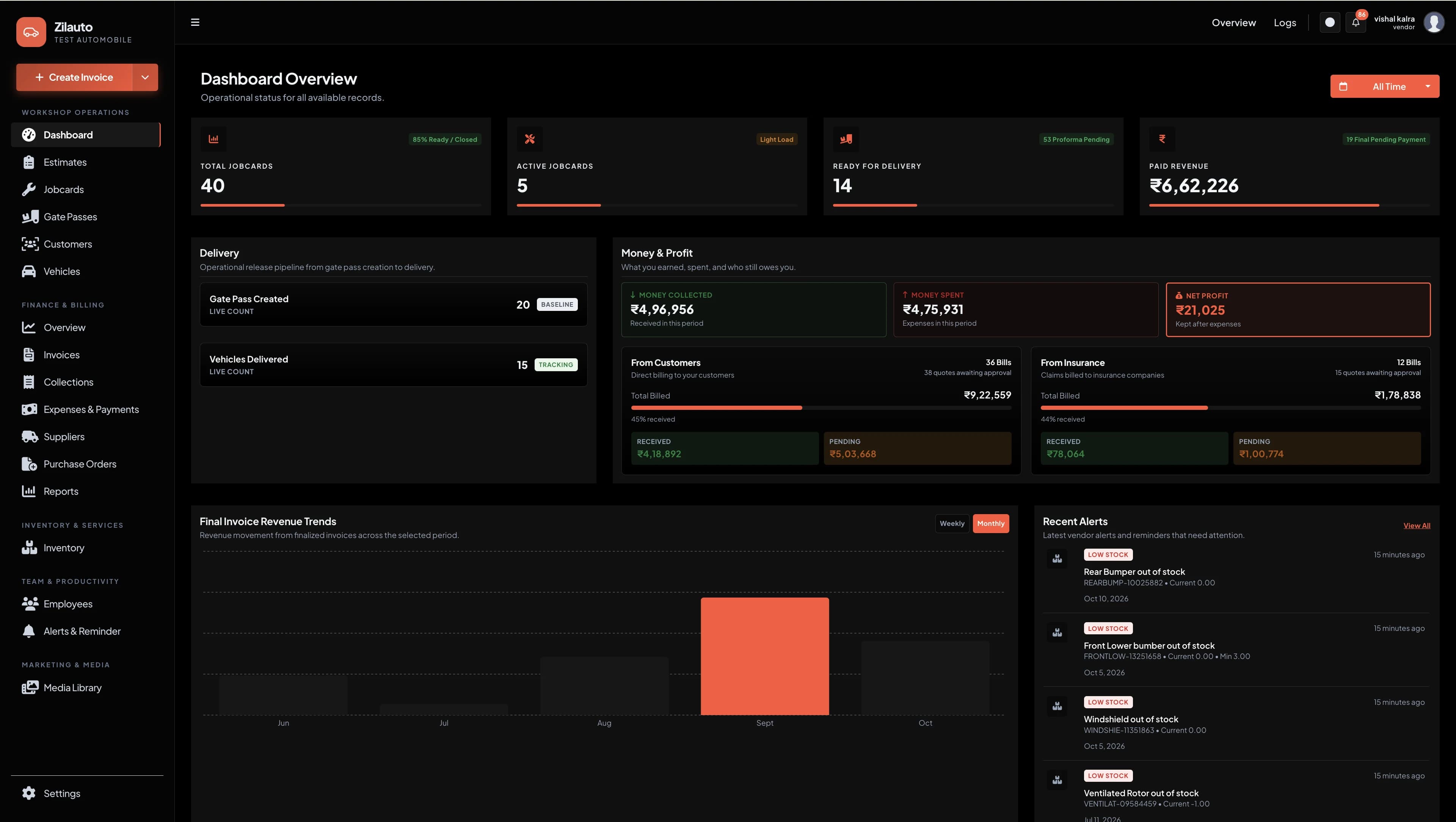
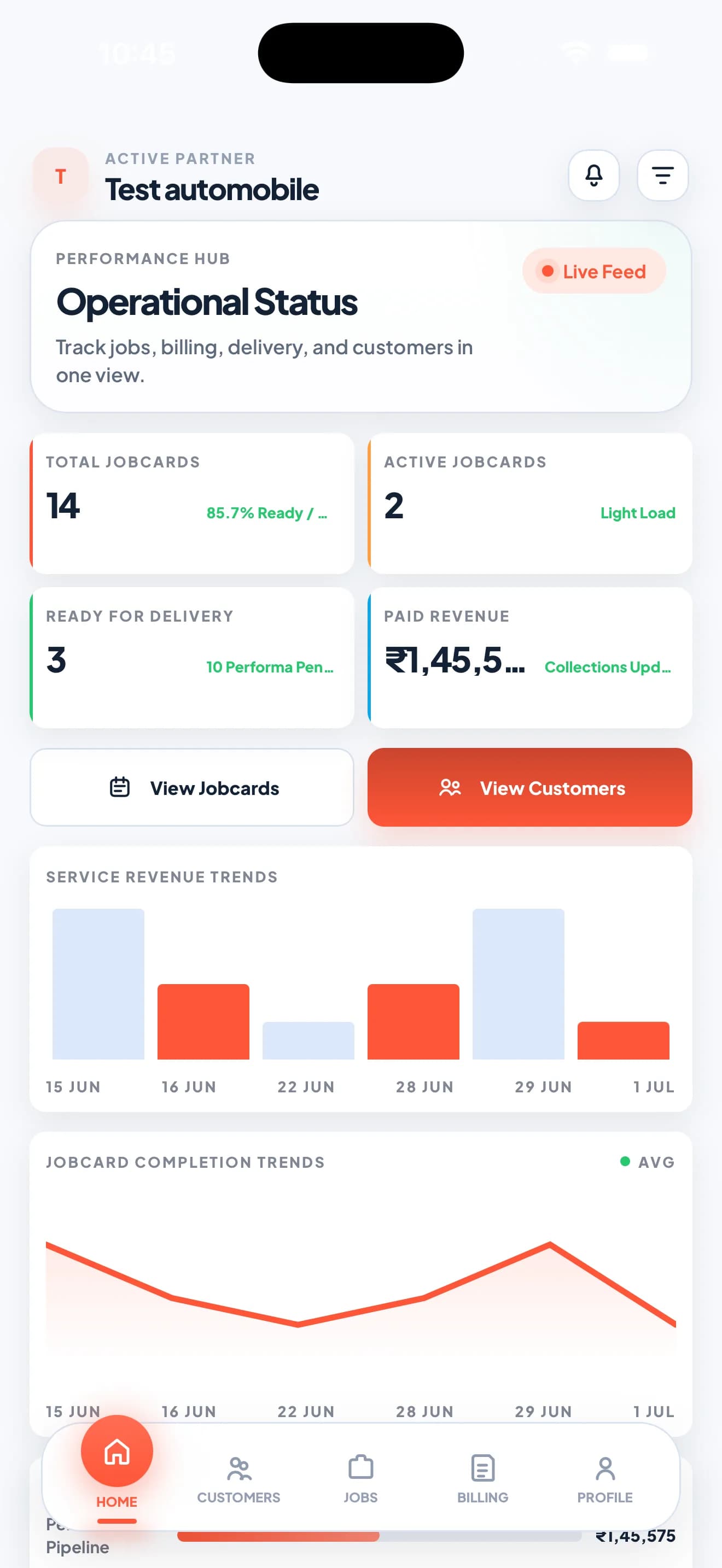
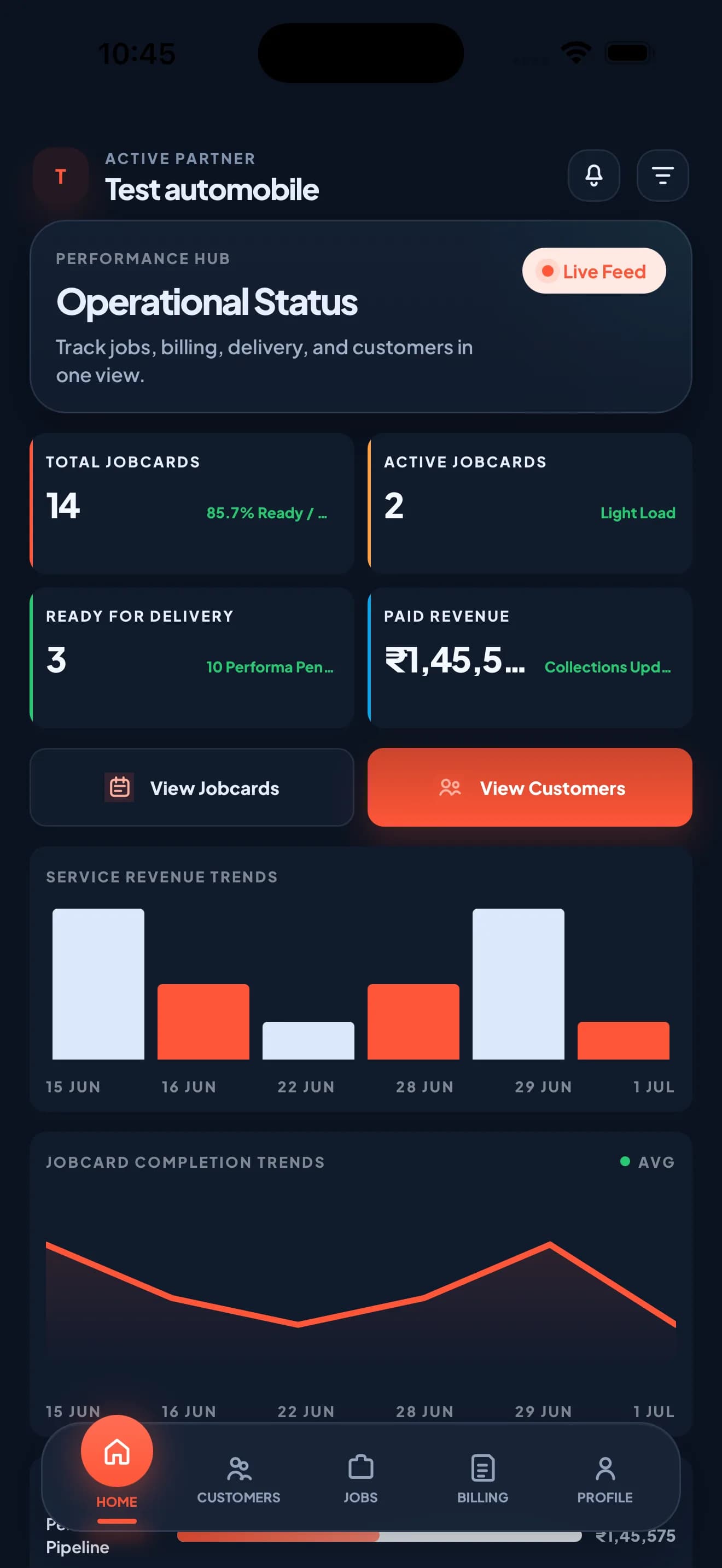
Team onboarding ke time, use this table as a simple one-page operating reference.
| Module | Dashboard use | Partner app use |
|---|---|---|
| Dashboard overview | KPIs, alerts, revenue aur workload review | Quick live workshop snapshot |
| Customers & vehicles | Detailed records, filters and complete service history | Customer search aur current context |
| Estimates | Full intake, pricing and conversion controls | Fast walk-in estimate aur status update |
| Job cards | Planning, assignments and status trail | Fast job review aur status update |
| Invoice & gate pass | Documents, payments and handover control | Current status aur handover action |
| Parts inventory | Catalog, stock, suppliers and movement history | Stock search aur low-stock visibility |
| Employees & access | Users, permissions and operational audit | Sirf role-relevant screens |
Hum dashboard and partner app ko aapke team roles, workflow and daily volume ke according explain karenge.
Use these answers during owner, manager and employee onboarding.
Everyone should understand the full lead-to-delivery flow, but daily practice should match role access. Owners focus on controls and reports, managers on coordination, and employees on assigned actions.
Update the status where the actual work happens—usually through the partner app—and use the dashboard to review the complete record, ownership and activity trail.
They represent two work surfaces for the same operation: the dashboard provides depth and control, while the app provides fast actions using connected workshop records.
Confirm workshop profile, employee access, customer and vehicle intake flow, service setup, plan-enabled inventory needs and the team’s status-update responsibility.